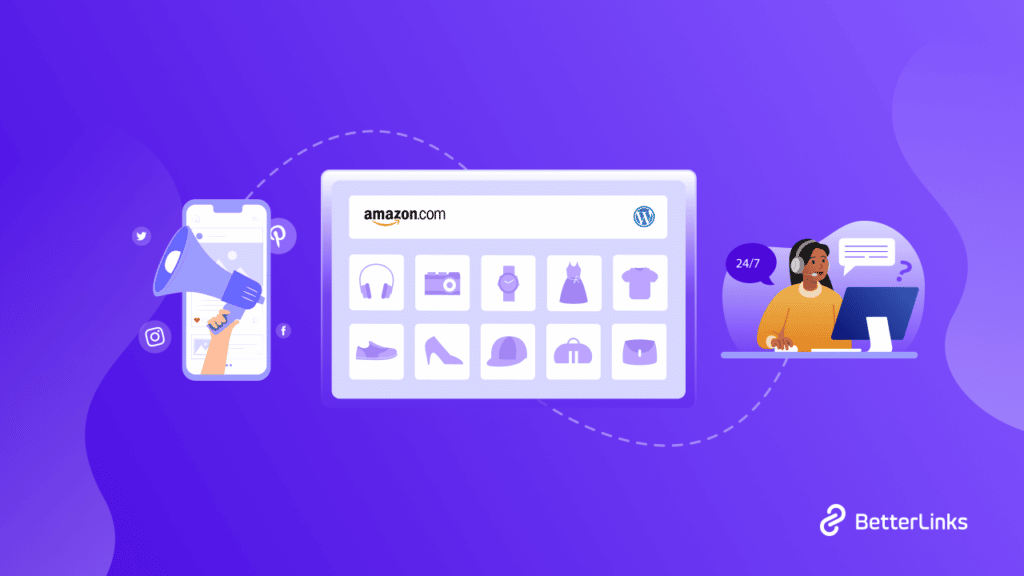
Would you like to launch an Amazon affiliate store? Do you want to make money from your WordPress website? With the Amazon Associates affiliate program, you can create a business in little time and at a low cost. Then start selling things to earn a commission on each sale you make. In this article, we will demonstrate how to simply create an Amazon affiliate store using WordPress.
Continue reading “How To Build An Amazon Affiliate Store Using WordPress?”5 Best Rank Tracking Tools to Dominate on Google
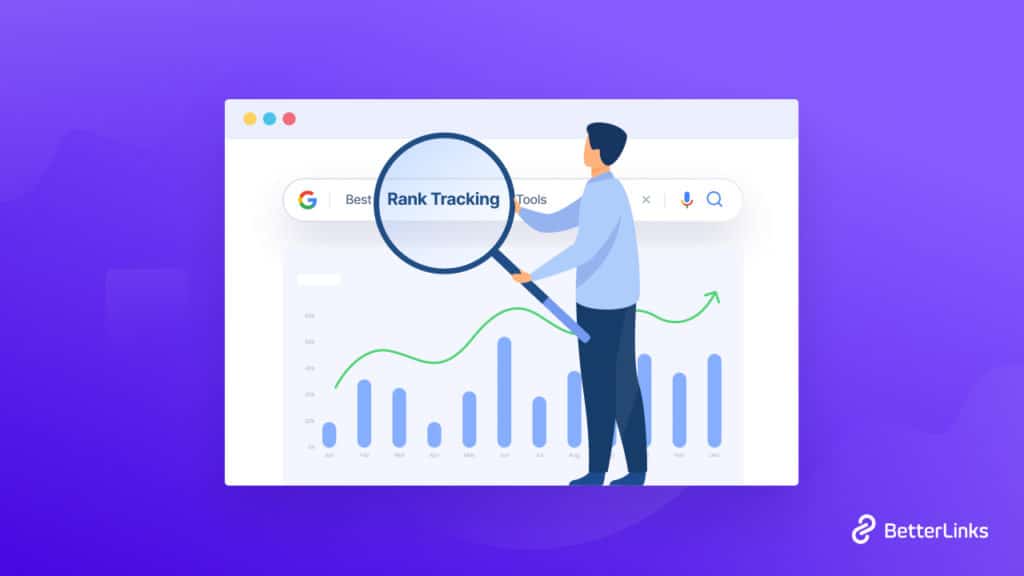
When it comes to SEO performance audits, you must use rank tracking tools to speed up the process and gather accurate information. Without using a rank tracker you may have to crawl through hundreds of search engine pages for making your SEO report. In this blog, we will introduce you to the most used rank-tracking tools that professional marketers use for performance audits. So, without further ado, let’s dive into the blog.
Continue reading “5 Best Rank Tracking Tools to Dominate on Google”10+ Best Affiliate Programs for Bloggers to Join & Earn Easily

Ever feel like your blog posts get tons of traffic but your income stays flat? You are not alone. Most bloggers pour hours into content creation yet miss out on easy revenue streams. The fix? Affiliate marketing.
Continue reading “10+ Best Affiliate Programs for Bloggers to Join & Earn Easily “5 Best WordPress URL Redirect Checker Tools That You Should Try [2026]
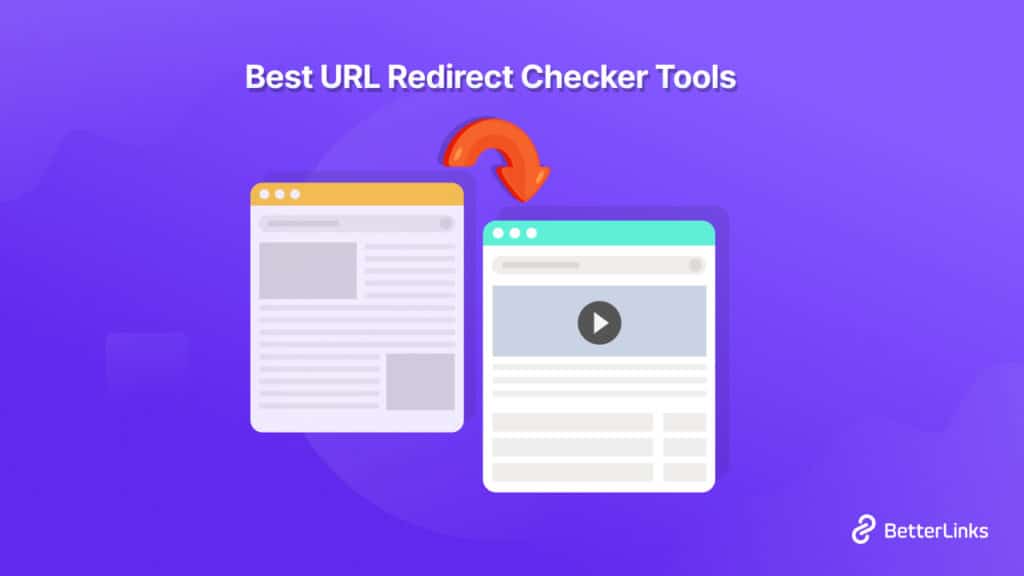
URL redirect checker is essential for any online businesses or individuals to prevent content duplication of their website, for migrating from one site to another, affiliate marketing, and many others. You have to know which URL redirect checker tool will be best for you. So this blog is all about the best URL redirection checker tool that can help you out entirely. To know all details, take a deep dive into this blog.
![5 Best WordPress URL Redirect Checker Tools That You Should Try [2026] 9 5 Best URL Redirect Checker Tools](https://betterlinks.io/wp-content/uploads/2022/08/5_Best_URL_Redirect_Checker_Tools_That_You_Should_Try_1280_720-1024x576.jpeg)
Let’s first know a little bit about URL redirection, what it is and how it works actually. URL redirection is called URL forwarding. It’s a process of redirecting the users and search engines to a completely new website URL without having an error. To simplify, suppose your website is xyz.com and you want to redirect it to a new domain by (xy.com) without breaking the link.
If you redirect your link whenever your user clicks any of your old links it will direct them to your new website link except giving a 404 error or nay. Just, in that case, you have to notify search engines and your users about this by redirecting your URL and secure browsing for your website visitors.
There comes the importance of a complete URL management tool or URL redirection tool to make your website link management smooth and error-free.
Learn More: Use Cases Of Redirect 301, 302, 307 & How Do They Boost SEO
Check Some Use Cases Of URL Redirection:
There are several reasons why you will feel necessary to redirect the URL. The most important ones are highlighted below:
Helpful For Website Migration
When you are migrating your website to a new website domain. You should have to redirect your website URLs to the new one using 301, 302 0r 307 redirections. So that your visitors won’t face any errors if they click any of your old website URLs. In the meantime notifying search engines can help new website ranking constantly.
Prevent Content Duplication
You can easily prevent content duplication of the website by using 301 redirects. This is important when you are preserving similar content on multiple websites, you have to redirect URLs with 301. So that search engines can not report plagiarized content and ensure secure browsing without losing your website’s SEO value.
Manage Affiliate Marketing With Ease
Affiliate marketers benefit most from URL redirection. They can easily have their affiliate links perform that navigate to your website. When a user clicks on your link, they are immediately and almost silently routed to the tracking page of your affiliate provider. This is even before being brought back to your site.
Learn More: 7 Best Affiliate Marketing Plugins For WordPress + Growth Hacks
5 Best URL Redirect Checker Tools That You Should Try
Now that you know the use cases of different use cases, this is the time to provide your all details about the 5 best URL Redirect Checker tools that you should try for your website. Take a look below:
BetterLinks
BetterLinks is the all-in-one URL shortening, tracking, and redirection solution for WordPress users. You can use it as a URL redirect checker tool for all advanced link management work without any hassles. It helps WordPress users to short URLs, choose your preferable link redirection types, manage affiliates, marketing campaigns, and more.
It comes with an advanced data fetching function that helps fetch data without reaching your website’s direct database rather than first checking on your JSON file.
This makes this link management solution best. Because if your database is being directly hit, the first thing it will do is to make your website slow. So BetterLinks helps your website faster loading speed and efficiently manage your links all inclusively. Check out what more BetteLinks has to offer you below:
- Create, customize, shorten & redirect links
- Set up link redirection with 302, 301, or other types as per your need
- Manage links with separate categories and tags.
- Fetch data directly from JSON file & process in fast mode
- Evaluate marketing campaigns with advanced UTM builder
- Get Wildcards facility, in-built Analytics & powerful integration with Google Analytics
- Split Testing facility for dynamic URLs, and a lot more
SEO Redirect Checker
SEO Redirect Checker tool helps you to check if an URL/Page is redirected to your website. If yes, then this URL direct checker tool will display the HTTP status code and the destination URL. It will give you each of the important insights of your website link redirection and make you fix the issue to ensure secure browsing.
Redirect Tracker
Redirect Tracker tool can help you check any short or affiliate URL to view where it goes. This URL redirect checker tool is beneficial for any type of URL redirection tracking that gives you every insight.
Screaming Frog
Screaming Frog is a bulk URL redirect checker tool. It helps you check your URL redirection during the time of website URL crawling or even bulk URL uploading. You can examine up to 500 URLs with this URL redirect checker tool.
Screaming Frog shows status, status code, and redirect destination. These statuses can be either temporary or permanent. It includes those beginning with 301, 302, 303, and 307. This URL redirect tool can also help you find loops or track different redirect chains to their destination and many more.
SmallSEOTools Redirect Checker
SmallSEOTools URL Redirect Checker tool is completely free that can help you check your website redirections and gives you insights into your redirect chain. You just need to add your website URL specifically that is included on the website and click the redirection button. After finishing the process, search results will indicate the redirect type and the redirect URL with a lot more.
Now It’s Your Turn To Explore!
Hope you find this helpful and feel free to share your thoughts with us by commenting below. If you want to read more exciting blogs, visit our blog page, and join our Facebook community to get along with all WordPress experts.
How To Create UTM Parameters In WordPress + Free Plugin [2026]

UTM parameters in WordPress make it easy to identify which social methods are the most effective—and cost-effective. This information can assist you in making critical decisions about where to direct your efforts (and budget). These are basic, straightforward, and efficient methods of tracking web traffic. When someone clicks on a link with those UTM parameters, Google Analytics stores the information and allows you to monitor the activities of visitors who clicked on that specific link. Let’s talk about the details of this topic.
Continue reading “How To Create UTM Parameters In WordPress + Free Plugin [2026]”Top 5 Best Lazy Load Plugins To Make Your WordPress Faster

Struggling with slow loading speed of your website? Simply using lazy load plugins, you can optimize your site & make it faster! Is it the first time you are hearing about lazy load functionality? Then this article is for you. Find out what is lazy load and which plugins can help you to implement it.
Continue reading “Top 5 Best Lazy Load Plugins To Make Your WordPress Faster”How To Fix Or Remove Broken Links In WordPress [2026]

Please tell me if this sounds familiar: You’re reading an article and decide to click on a link to learn more about a topic that was discussed briefly. Instead of being forwarded to a newer post, you are brought to an error page that claims that the content you are searching for is no longer available. You’ve just reached a dead end, also known as broken links. Today we will talk about the bad impacts of the broken link and how to correct them.
Continue reading “How To Fix Or Remove Broken Links In WordPress [2026]”Should You Host Your Own Knowledge Base Or Use An External One [2026]

Planning to add a complete documentation solution to your website, but not sure whether to host your own knowledge base (KB) or use an external one? We understand that there are benefits to both which lead to boosted engagement rates, and choosing the right option for your business can be a tough decision. But worry no more, because with this blog, we bring you a complete guide of everything you need to know to make the perfect choice of KB for your company.
Continue reading “Should You Host Your Own Knowledge Base Or Use An External One [2026]”Geolocation Redirection 101: How To Secure SEO Localization Efforts?
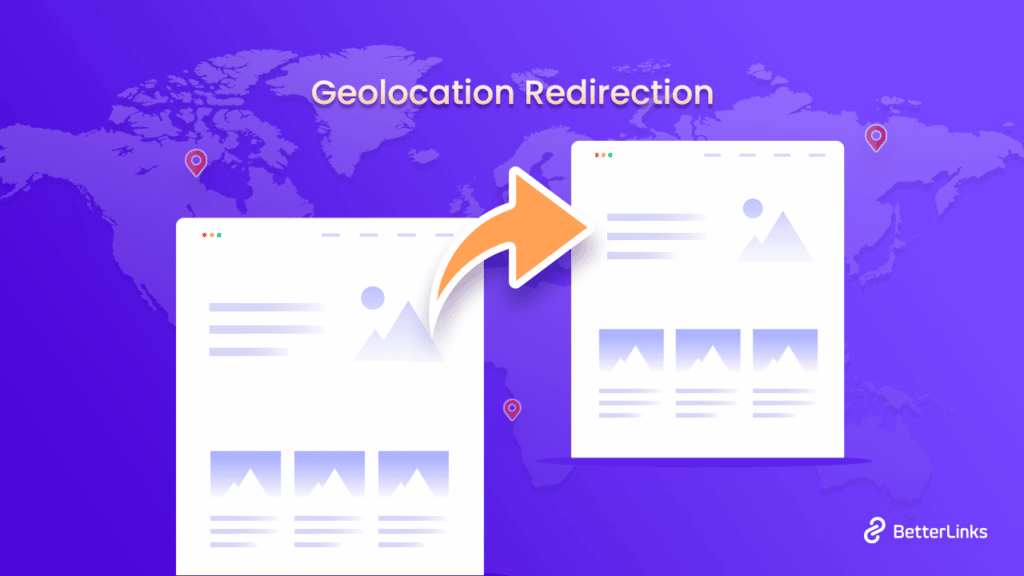
When running any business online, it may be important to have multiple websites or web pages for customers from different countries to show relevant content to the audience. That’s when businesses need to understand geolocation redirection and how they can help with your SEO localization efforts. Dive in to find out more.

Redirecting users or audiences based on their IP address is often referred to as geolocation redirection. When a person visits a website that has an IP redirection, they are instantly redirected to the version that is appropriate for their region.
Suppose, you have the same website that is targeted towards the audience of the USA and Uganda. It is obvious that these two different countries have different languages, and different cultural needs and therefore may require different websites that will be best suited for them. So when a user is landing on your website, based on their IP address, they will be geologically redirected to their respective website.
On the other hand, when a user from Uganda lands on your website that has not been using geological redirection at all, they will become overwhelmed and leave the website immediately. It will ultimately affect your website’s SEO and increase the bounce rate. In that way, your website will not have a good ranking.
Ultimate Uses Of Geological Redirection For Secure SEO Localization In Websites
The main goal of geological redirection is to target an audience or customers at a granular level. No matter if you want to redirect audiences to a particular page or website, it is beneficial for different purposes. Let’s explore some of the main uses of geological redirection in your WordPress websites.
Geotargeting: We all know that every internet user has a unique IP address of their own for their devices. This IP address is identifiable and traceable. This IP address consists of geological details like country code, zip code, and so on. These details denote and locate the user wherever they are staying. Geotargeting through geological redirection helps you increase personalized user experience.
Geofencing: It is another tactic for regional users or audiences to create marginal access according to their regional location. This will help you to create targeted content, offers, and so on by using geological redirection. This system is called the geofencing strategy.
No matter the purpose of using geological redirection, it will help you to have an ample amount of traffic on your website. It will also help you to decrease the bounce rate, and keep them enticed to make a move on your website. You can run location-based marketing by using this strategy.
Use Geological Redirection With BetterLinks In WordPress
If you have a WordPress website where you want to implement geological redirection, the best way will be to use the ultimate link redirection plugin called BetterLinks. All you need to do is install and activate this plugin on your WordPress website. Using this plugin, you can also create short links or URLs following some simple steps. According to several research results, short links are more likely to be clicked on. So using BetterLinks, you can shorten the links and create geological redirection. Let’s learn below how easily you can do so without doing any coding.
Install And Activate BetterLinks In Your WordPress
First, you need to search and find BetterLinks from WordPress. Click on install and activate the free BetterLinks plugin. Now you need to install BetterLinks PRO in your WordPress.

Create A Page Redirect Link From Scratch
While you are thinking about geological redirection, you must have two web pages that are different. Using the BetterLinks plugin, you can easily create shortened, precede redirect URLs. By creating URL categories, and providing other details you can create a redirection URL all from scratch. While you are creating a link, you must keep checking the ‘No Follow’ and ‘Tracking’ options just like below.

Enable BetterLinks Dynamic Geological Redirection Option
When you have installed the BetterLinks PRO in your WordPress, you will be able to enable the Dynamic Redirects option. When you click on this, you will be redirected to a new interface from which you can configure this feature.

Choose Geological Redirection Mode In BetterLinks
Now that you have come this far, next you need to set the ‘Redirection Type’ to ‘Geography’ so that you can create a dynamic geolocation redirect. You can now enter your target URLs for other nations under the ‘Geographic Target URLs’ section. Users or your website audiences from a particular location will be automatically redirected to the URL you choose. By clicking the ‘Add New Link’ button here, you can add as many new links as you need.

Using the BetterLinks plugin, you can easily send the users from one domain to another just like this. As we have mentioned some of the best use cases of geolocation redirection, all these can be easily achieved using this plugin too without any coding.
If you find this blog useful and want to implement geolocation redirection in your website that will help you boost your SEO and maintain website traffic at the same time, subscribe to our blog and share your valuable thoughts by joining our super friendly community.
Top 3 Types Of Affiliate Marketing Explained With Examples

About to kickstart your career as a successful affiliate marketer? If so, did you know there are many types of affiliate marketing programs to choose from? Well, no worries if not, because with this detailed guide, we are here to help you choose the best digital marketing strategy for your affiliate goals, boost conversions, and make a fortune.
Continue reading “Top 3 Types Of Affiliate Marketing Explained With Examples”