In 2026, search engines are smarter and focus more on how your pages are connected. If your internal links are not set up well, your important pages may stay hidden, your content may not support each other and search engines may not fully understand your website. But adding links manually to every post can take a lot of time and often leads to mistakes.
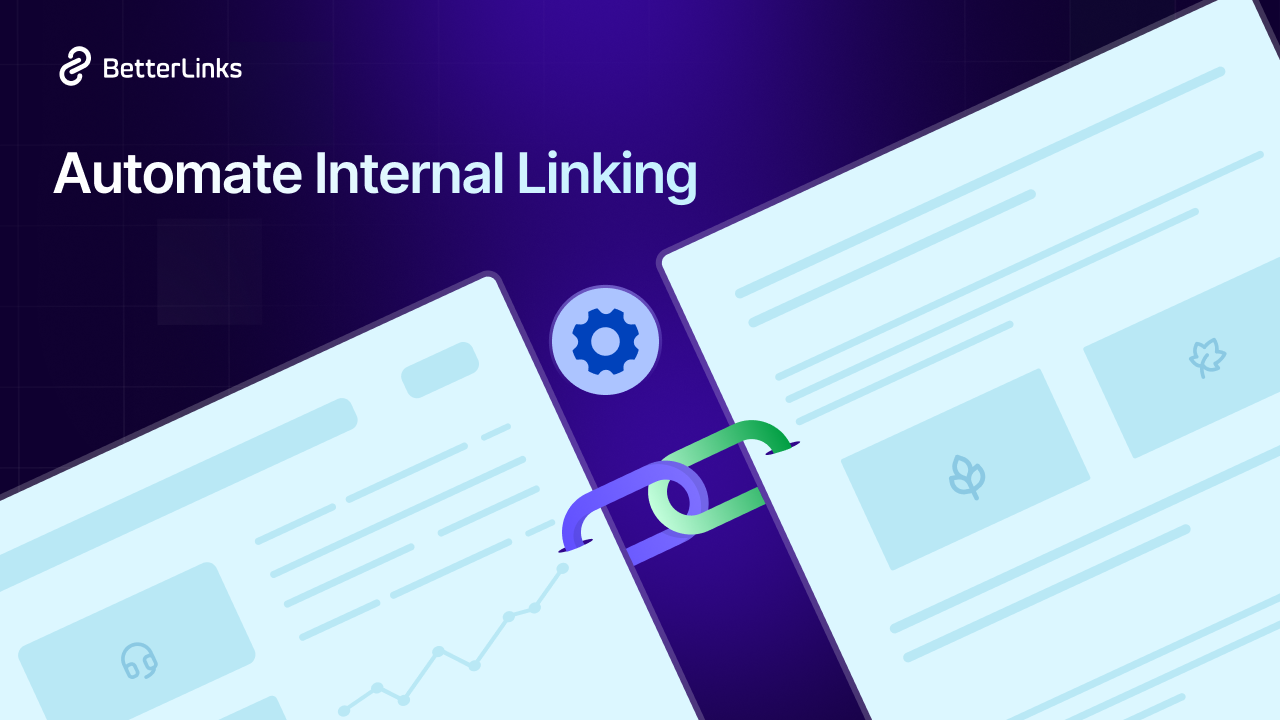
Automation makes this easier. By setting simple rules, you can connect your pages automatically, improve SEO and save time. In this guide, we will explore how automating internal linking benefits your WordPress SEO strategy in 2026 and helps you grow your site more easily.
TL;DR (Too Long, Didn’t Read?)
Internal linking works best when it stays natural, relevant and aligned with content depth. Instead of overloading pages with links, follow a structured range that matches your blog’s length and improves both SEO and user flow.
| Blog Length | Ideal Internal Links | Usage Focus |
| 500–800 words | 2–5 links | Light linking for key references and essential context |
| 800–1500 words | 5–10 links | Balanced linking across sections for better navigation |
| 1500–2500+ words | 8–20+ links | Deep linking with topic clusters and supporting articles |
Quick Notes
- Keep every link contextually relevant to the topic
- Spread links naturally across headings and paragraphs
- Give priority to high-value pages like cornerstone content
- Avoid forcing links just to meet a count
- Use varied anchor text to keep the structure clean and readable
| Internal Linking Benefit | What It Does | SEO Impact |
| Improves Crawlability | Helps bots find all pages | More pages indexed |
| Distributes Link Equity | Passes authority between pages | Stronger page rankings |
| Builds Topical Authority | Connects related content | Higher relevance signals |
| Reduces Bounce Rate | Guides users to next steps | Better engagement metrics |
| Supports Pillar Strategy | Links clusters to main pages | Clearer site structure |
| Boosts Content Discoverability | Surfaces older content | More organic traffic |
What Is Internal Linking And Why Does It Matter in 2026?
Internal linking is the practice of linking one page on your website to another page on the same website. These links are different from external backlinks. You create them yourself within your own content.
For example, if you write a blog post about ‘WordPress SEO tips’ and link it to your earlier post about ‘on-page SEO optimization techniques,’ that is an internal link. It connects two related pieces of content on your site and helps search engines understand the relationship between your SEO topics.
In 2026, internal linking matters more than ever because Google now places greater emphasis on topical authority. This means Google does not just look at one page in isolation. It looks at how well your entire site covers a topic. When your pages link to each other in a logical and relevant way, Google sees your site as a trustworthy resource on that subject.
How to Automate Internal Linking Strategy
Manual internal linking slows down content operations and often leads to an inconsistent SEO structure. Automating this process helps ensure that every relevant keyword links to the right page, improving crawlability, topical authority, and user navigation. With a structured system, you can scale internal links across hundreds of posts without editing them one by one.
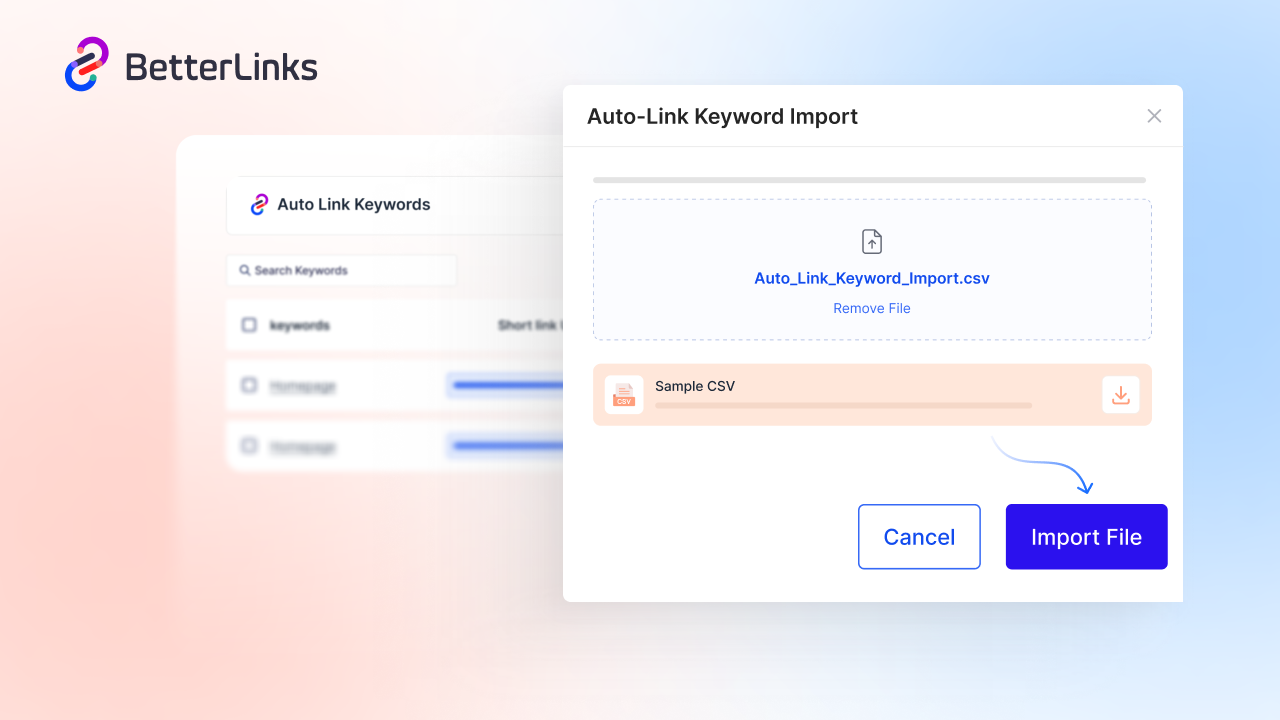
Plugins like BetterLinks simplify this process with an auto-linking system that supports keyword-based linking rules, bulk import through CSV and export options for managing large datasets. This allows teams to build a structured internal linking system that scales with content growth without manual overhead.
⚙️ How BetterLinks Auto Link Keywords Work
Auto link keywords help streamline internal linking by automatically connecting relevant terms to important pages. This improves site structure, saves time and ensures consistent SEO across your content without manual effort.
| Automation Area | What It Does |
| Auto keyword linking | Converts predefined keywords into internal links automatically across posts |
| Bulk keyword import | Upload multiple keyword rules using CSV instead of adding them one by one |
| Keyword export | Download existing keyword rules for review or reuse |
| Rule-based linking control | Set limits, post types and conditions for when links appear |
| Context-based linking | Match keywords only in specific content areas or conditions |
How to Set Up Automated Internal Linking the Right Way
For a deeper insight into how internal linking automation works, it is important to follow a clear step-by-step approach that keeps your SEO structure consistent and scalable.
1️⃣ Start by mapping your key pages, defining relevant keywords and assigning them to target URLs that matter most for your SEO goals.
2️⃣ Then set up automation rules so these links are applied consistently across your content without manual effort.
3️⃣ Regularly review and refine your setup to keep everything aligned with your content strategy.
For a complete breakdown and practical guidance, check out the following blog or watch the tutorial, which explains how to automate your internal linking process simply and effectively 👉🏻
How Internal Linking Automation Boosts WordPress SEO Strategy?
Automating internal linking in WordPress removes the manual effort of connecting pages while improving consistency across your entire site. Instead of relying on editors to insert links one by one, you define structured rules that ensure every important page receives steady internal link signals.
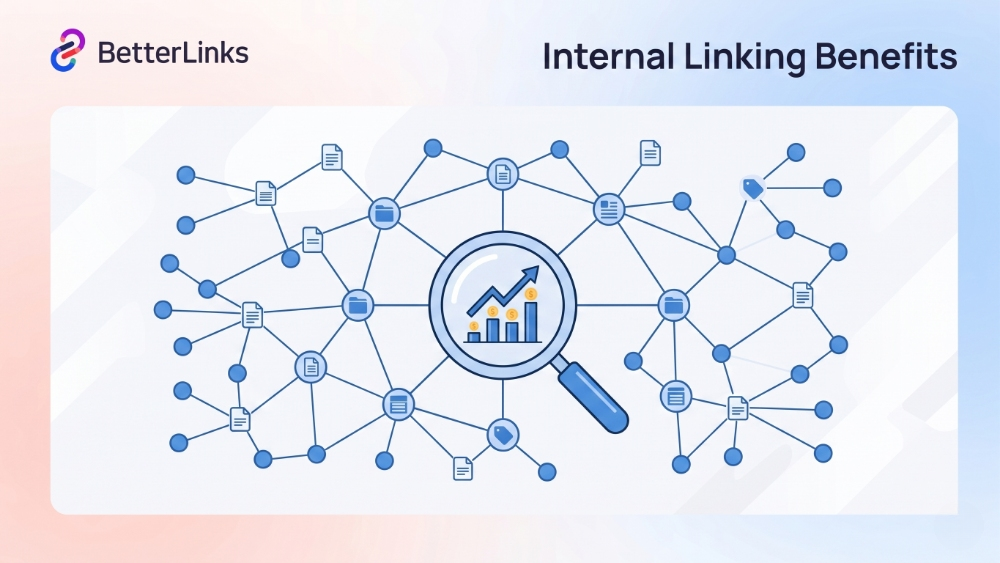
This approach strengthens SEO performance, improves crawl efficiency and keeps your content ecosystem well connected as it scales.
How Automation Improves Internal Linking
When internal linking is handled manually, older posts are often left out and newer content may not receive enough visibility. Automation solves this by applying predefined keyword rules across your site.
For example, if you set the keyword ‘internal linking SEO’ to always point to a dedicated guide page, every time that phrase appears in a blog post, it will automatically link to that resource. This ensures consistent reinforcement of your key pages without extra editing work.
Key Benefits of Automating Internal Linking
| Benefit | Explanation | Practical impact |
| Consistent link structure | Every keyword follows the same rule-based linking pattern | Prevents broken or missing internal connections |
| Better page visibility | Important pages receive more internal links across posts | Helps boost rankings for priority content |
| Improved crawl efficiency | Search engines can discover pages faster through structured links | Enhances indexing and SEO performance |
| Time savings | Removes the need for manual linking in every article | Frees up time for content creation |
| Scalable SEO system | Works even as your content library grows | Keeps SEO structure stable at scale |
Why This Matters for WordPress SEO
A strong internal linking structure helps search engines understand topic relationships and content hierarchy. By automating this process, you ensure that your WordPress site maintains a clean and organized linking system, improves user navigation and distributes authority evenly across pages. Over time, this leads to better rankings, stronger topical relevance and a more efficient content ecosystem.
Common Internal Linking Mistakes WordPress Users Make
Even experienced WordPress users make internal linking mistakes that hurt rather than help their SEO. Here are the most common ones to avoid:
🚫 Using generic anchor text: Phrases like ‘click here’ or ‘this article’ provide zero context for search engines.
🚫 Linking to the wrong pages: Always link to pages that are directly relevant to the content the user is currently reading.
🚫 Ignoring orphan pages: Pages with no internal links pointing to them are invisible to Google bots. Check for these regularly.
🚫 Over-linking a single page: Sending dozens of internal links to one page can look unnatural and dilute the value of each link.
🚫 Failing to update old posts: As your site grows, update older posts with links to newer, relevant content. This keeps your content management workflow active and your site fresh.
Measuring the Results of Your Internal Linking Strategy
Measuring your internal linking performance helps you see how well your pages are connected and how users and search engines interact with your site. A strong internal linking structure not only improves SEO but also guides visitors smoothly from one page to another. Tracking the right metrics shows what is working and what needs improvement.
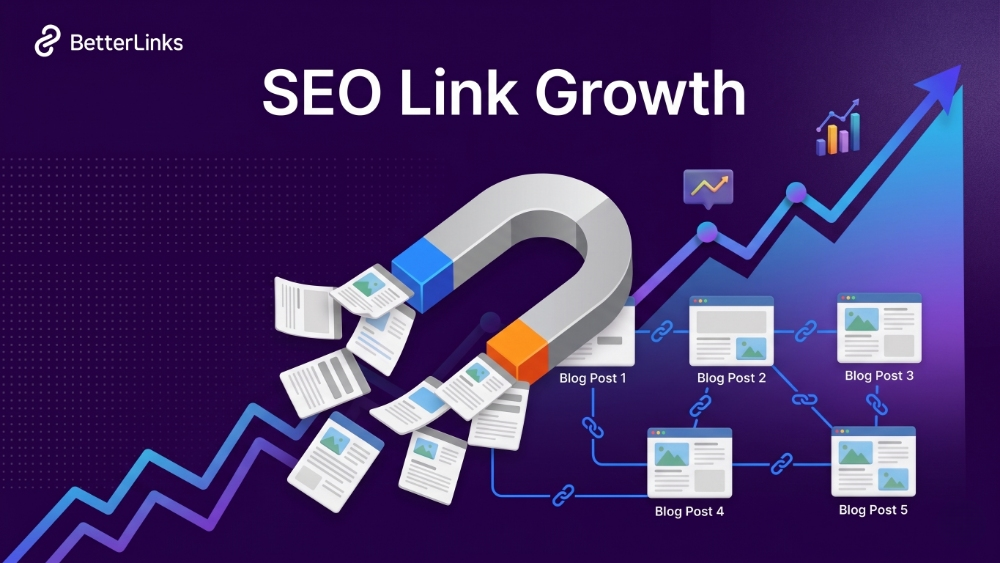
Organic Traffic Growth
Internal linking helps distribute traffic across your website by guiding users and search engines to more pages. When your important pages are linked from related content, they become easier to discover in search results. This leads to more indexed pages and steady growth in organic traffic over time.
Crawl Coverage
Search engines use internal links to find and crawl your pages. A strong internal linking structure ensures that no important page is left isolated. When every key page is connected through relevant links, search engines can discover and index your content faster and more completely.
Bounce Rate And Session Duration
Internal links encourage users to explore more content instead of leaving after reading one page. By adding relevant links within your content, you guide readers to related topics, which keeps them on your site longer. This reduces bounce rate and increases session duration.
Ranking Improvements
Internal linking helps search engines understand which pages are most important on your site. When multiple pages link to a specific page, it signals value and relevance. This improves the chances of those pages ranking higher in search results over time.
Pages per Session
When users click on internal links, they move from one page to another within your site. A well-planned linking structure naturally increases the number of pages a visitor views in a single session. This shows that your content is well connected and useful to readers.
Start Automating Your WordPress Internal Linking Strategy
You now have a clear understanding of how internal linking benefits your WordPress SEO strategy in 2026 and how automation makes it more efficient and scalable. Instead of managing links manually, you can set up a system that works across your entire site with consistency and accuracy.
Internal linking remains one of the most controllable parts of SEO, but automation takes it further by saving time and reducing gaps in your strategy. Every automated link helps strengthen your site structure, improve crawlability and support your key pages without repeated effort.
Is this blog helpful? Join our Facebook community to stay updated with the latest blogs, product reviews and WordPress solutions. Subscribe to our blog for in-depth tutorials, tips and visit our social media platforms for the newest updates.
Frequently Asked Questions on Internal Linking Automation
Internal linking automation helps scale SEO efforts but it also raises questions about control, relevance and best practices. Here are the most common questions marketers and SEO professionals ask across communities: