If you see your website ranking is going down, then your backlink profile is one of the first places you should investigate. Search engines have become far better at detecting spammy, irrelevant or manipulative links and the wrong backlink mix can quietly drag down your authority, traffic and conversions over time.

A modern backlink audit is no longer just about hunting for toxic links and uploading a disavow file. It’s about understanding how your entire link ecosystem supports your brand: which domains actually move the needle, where your anchor text is over-optimized, how your link velocity looks to algorithms, and where you are losing out to competitors in your niche.
In this blog, you will get a detailed, ultimate backlink audit checklist built for 2026, using current best practices and real data from tools like Ahrefs, Semrush and Google Search Console. By the end, you will know exactly how to identify risky links, protect yourself from penalties and build a cleaner, stronger link profile that helps you dominate your SERPs instead of constantly fighting algorithm updates.
TL;DR
This guide shows you how to run a complete backlink audit in 30 minutes using a simple step-by-step workflow built for 2026 SEO standards.
You will learn how to:
- Export and combine backlink data from tools like Ahrefs, Semrush and Google Search Console
- Identify toxic, spammy, and low-quality backlinks using clear evaluation rules
- Prioritize links based on risk level for faster decision-making
- Remove harmful links through outreach and use the disavow tool correctly
- Analyze competitor backlinks to find new link opportunities
- Improve internal linking to strengthen overall SEO performance
- Set up a recurring audit system to protect rankings long-term
What You Need Before a Backlink Audit
A backlink audit becomes far more effective when you prepare the right setup in advance. This helps you collect accurate data, avoid gaps, and make faster decisions during analysis.
Before starting a backlink audit, you need the right tools, data and clear goals to ensure accurate results. Proper preparation helps you identify toxic links faster, avoid missing key issues and make your audit process more efficient and actionable.
| Step | Area | What You Need |
| 1 | Access to SEO Tools | Google Search Console, Ahrefs or Semrush, optional Majestic for extra backlink metrics |
| 2 | Full Site Access | Access to CMS (WordPress), Google Search Console, and hosting or redirect settings if required |
| 3 | Clear Audit Goal | Define goals like removing toxic backlinks, improving rankings, or cleaning past SEO issues |
| 4 | Fresh Backlink Data | Export data from GSC and Ahrefs or Semrush, then combine and remove duplicates |
| 5 | Tracking Sheet | Prepare a sheet with domain, anchor text, target page, authority score, risk level, and action status |
| 6 | Evaluation Rules | Set criteria based on relevance, authority, spam signals, and anchor text quality |
Step 1: Export Your Full Backlink Profile
Before you can evaluate anything, you need a complete picture of who is linking to your site. This is where your data export begins.
Use at least two tools to cross-reference your link data. No single crawler indexes the entire web. Combining data from multiple sources gives you a more accurate and comprehensive backlink profile.
Start with:
- Google Search Console for verified links Google has actually crawled
- Ahrefs for its massive link index and historical data
- Semrush Backlink Audit, which integrates directly with a toxicity scoring system
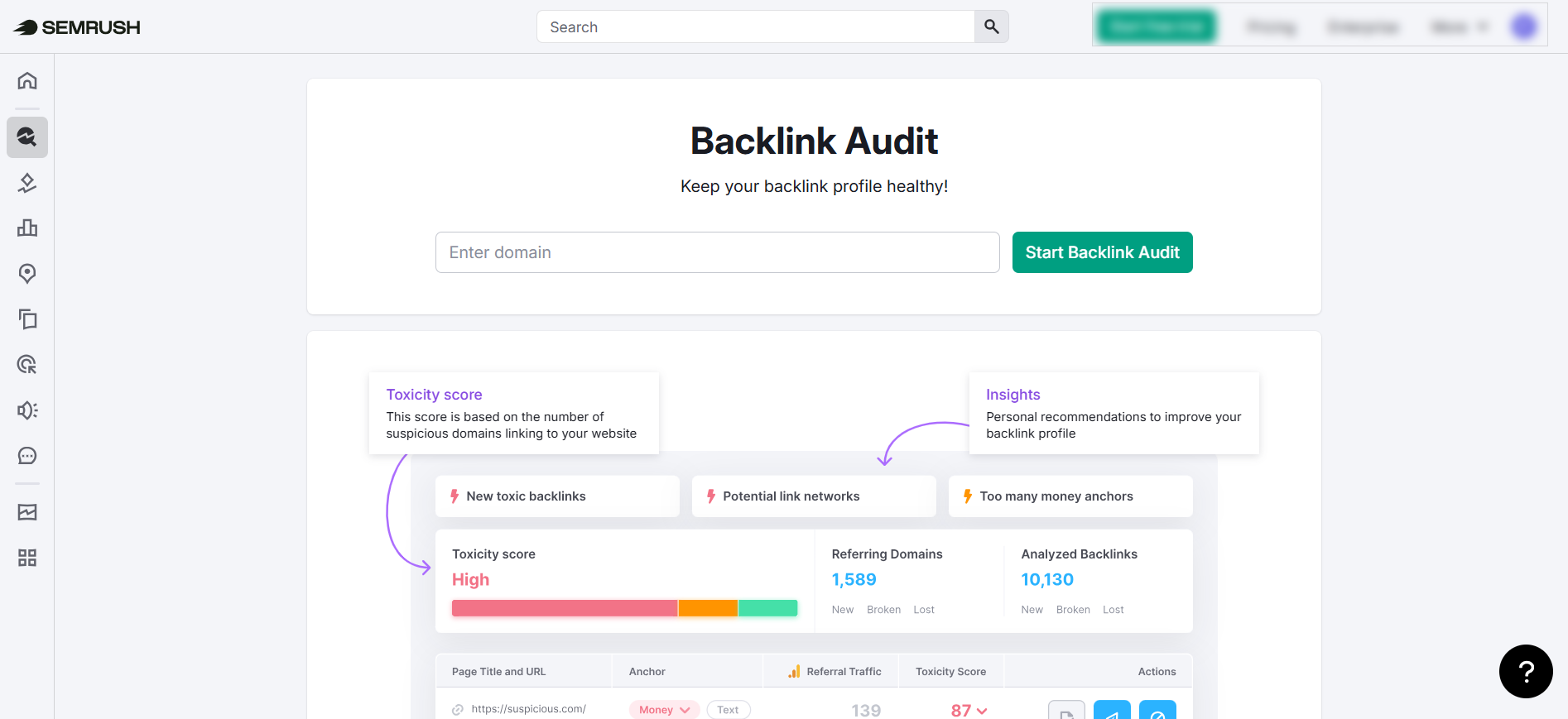
Export your full link list, including the referring domain, the anchor text used, the target URL on your site and the date the link was first detected. This raw data is the foundation of your entire audit.
💎 What Data Points to Collect
Once you have your export, do not just look at the total number of backlinks. That number alone tells you very little. What matters is the composition of your link profile.
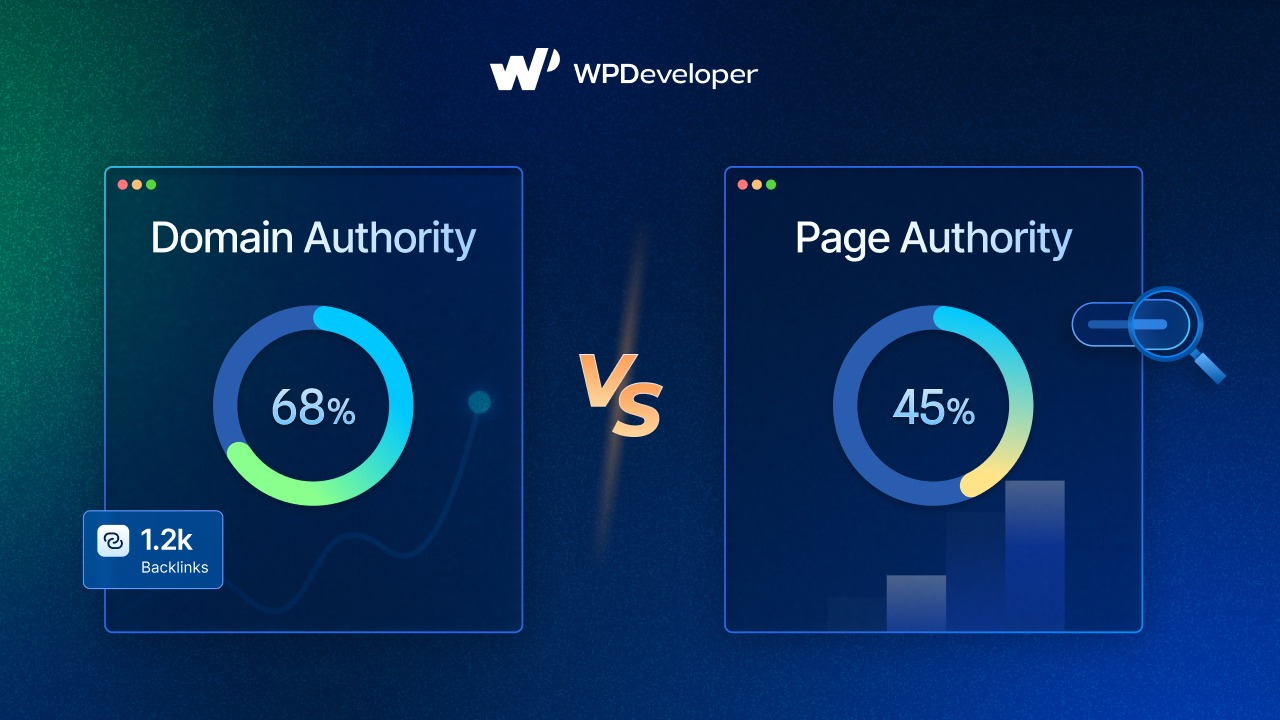
Collect the following for each referring domain:
- Domain Rating (DR) or Domain Authority (DA): Higher scores generally indicate stronger and more trusted sites
- Spam Score: Semrush and Moz both provide proprietary spam scoring you can use to flag risky domains
- Anchor Text: A healthy profile mixes branded, generic and keyword-rich anchors naturally
- Link Type: Editorial links, comment links, directory links and footer links all carry different weights
- Dofollow vs. Nofollow: Nofollow links do not pass PageRank directly but still contribute to a natural-looking profile
Step 2: Identify Toxic & Spammy Backlinks
This is the most critical and time-intensive part of any backlink audit. Toxic backlinks are links from domains that Google views as low-quality, manipulative or actively harmful. Identifying them requires both tool-assisted scoring and manual review.
| Tool | Method | Score | Action |
| Semrush | Backlink Audit tool | 0–100 toxicity score | Measures how risky or toxic a referring domain may be |
| Above 45 | Domain deserves a second look | ||
| Above 75 | Strong flag for removal |
Ahrefs uses a similar approach through its Link Intersect and referring domain filters.
⚠️ Warning Signs of a Toxic Backlink
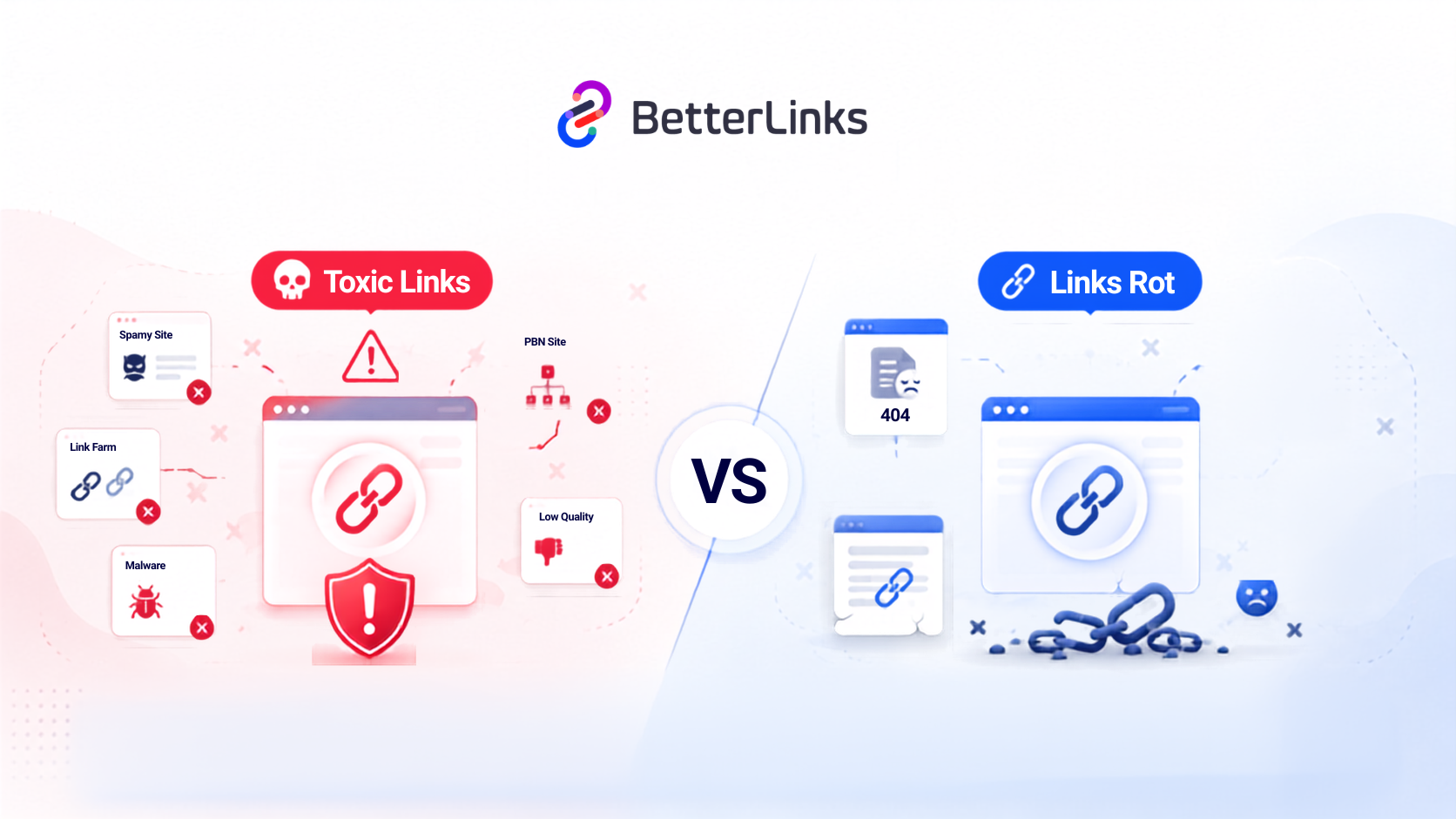
Not every low-DR link is toxic and not every high-DR link is safe. You need to evaluate context as much as metrics. A link from a DR 15 food blog to your software product may be irrelevant but harmless. A link from a DR 15 link farm with hundreds of outbound links and thin auto-generated content is a different story.
Watch for:
- Irrelevant Niche Mismatch: A gambling site linking to your personal finance tool
- Over-optimized Anchor Text: Multiple exact-match keyword anchors from unrelated domains
- Private Blog Networks (PBNs): Sites with no real traffic, no real content and suspicious link patterns.
- Sitewide Links: Footer or sidebar links repeated across hundreds of pages on one domain.
- Hacked or Compromised Domains: Sites that link out to everyone indiscriminately.
- Link Farming: Create artificial backlinks from low-quality sites that can harm SEO and trigger penalties.
Faster Link Detection with BetterLinks Automation
Manual review at scale is not realistic if you have thousands of referring domains. This is where automation tools become essential for WordPress and SaaS users.
BetterLinks offers a streamlined link management dashboard that makes it significantly easier to track outbound links, monitor redirects and identify unusual link activity patterns across your site.
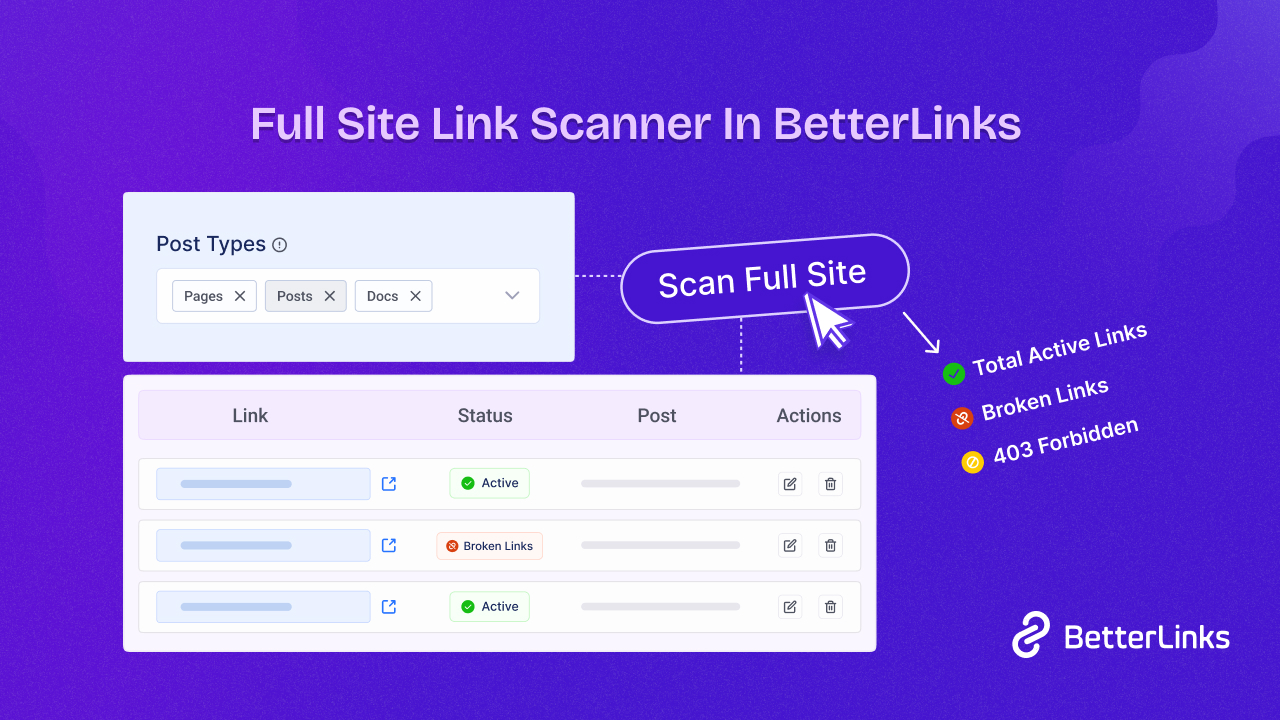
For affiliate marketers and content publishers who manage dozens of redirect links, having a centralized tool to monitor performance and spot anomalies saves hours of manual auditing time.
Pair BetterLinks with a crawler like Screaming Frog or Sitebulb for a full picture of how links behave both inbound and across your own site architecture.
Step 3: Prioritize Links by Risk Level
After you have flagged potentially toxic links, sort them into priority tiers before taking action. Not every flagged link requires the same response and acting on every low-quality link impulsively can do more harm than good.
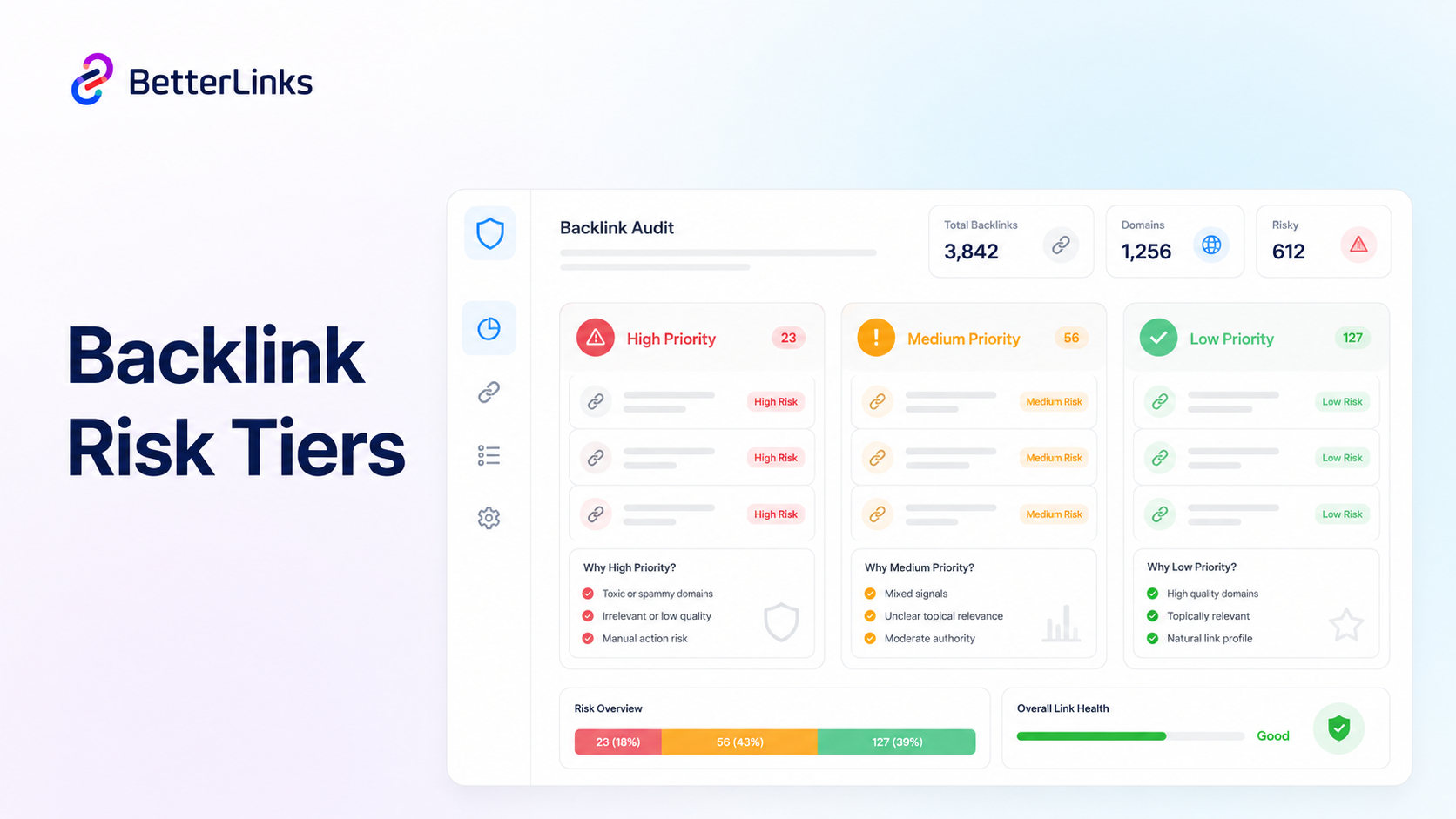
Organize your flagged links into three buckets:
1. High Priority (Act Immediately) Links from known spam networks, hacked domains or sites with Google manual actions. These are the links most likely to be hurting your rankings right now.
2. Medium Priority (Investigate Further) Links from low-quality directories, irrelevant niches or sites with borderline spam scores. These may be harmless depending on context. Do a manual spot-check before making a removal decision.
3. Low Priority (Monitor Only) Nofollow links from low-DR sites or aged links from directories that no longer pass meaningful signals. These rarely require action but are worth tracking over time.
Step 4: Remove Toxic Links Through Outreach First
Before you touch the disavow file, attempt manual outreach for removal. Google’s documentation and most SEO professionals agree that actually removing a link is always preferable to disavowing it.
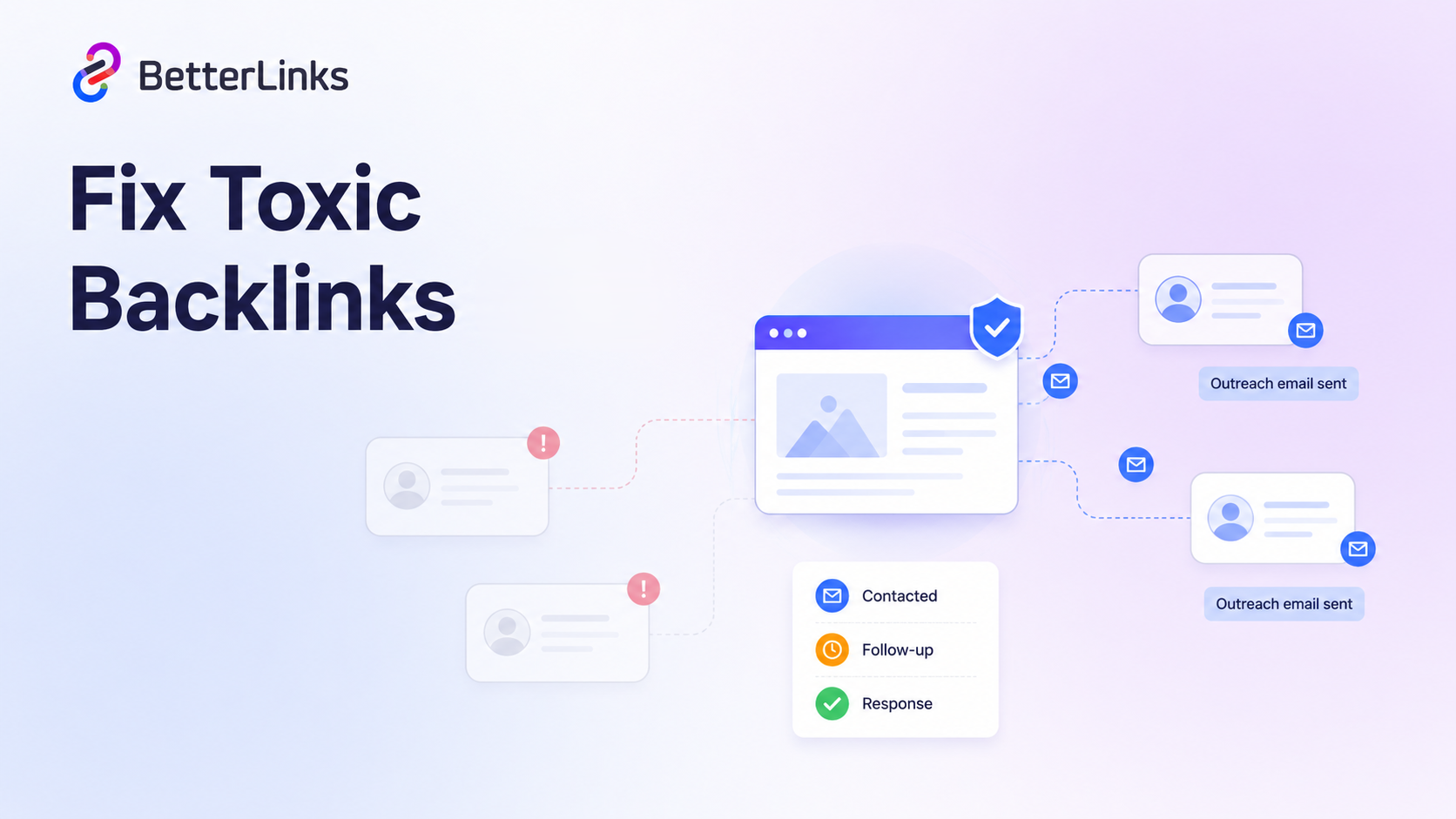
Find the webmaster’s contact information through the domain’s WHOIS data, contact page or LinkedIn. Your outreach message should be brief, professional and specific. State which URL on their site links to yours and politely request removal. Keep a tracking spreadsheet with the date contacted, follow-up dates and the response received.
Outreach Realistic Expectations
Response rates for link removal requests are typically low. Most webmasters do not maintain their sites actively, change contact info regularly or simply ignore cold emails. Realistically, expect a 1% to 5% response rate for link removal outreach, with only a fraction of those webmasters actually complying for free.
Because of this low success rate, the vast majority of toxic links must be handled via Google’s Disavow Tool instead. That is still worth doing for your highest-risk links before escalating to the disavow process.
If you are resolving a Manual Action, send two follow-ups over two weeks. If there is no response, document the outreach attempt as evidence for Google and then move the domain to your disavow list.
Step 5: The Disavow Process in 2026 (When & When Not to Use It)
The disavow tool in Google Search Console allows you to tell Google to ignore specific links when evaluating your site. But it is one of the most misunderstood and misused tools in SEO.
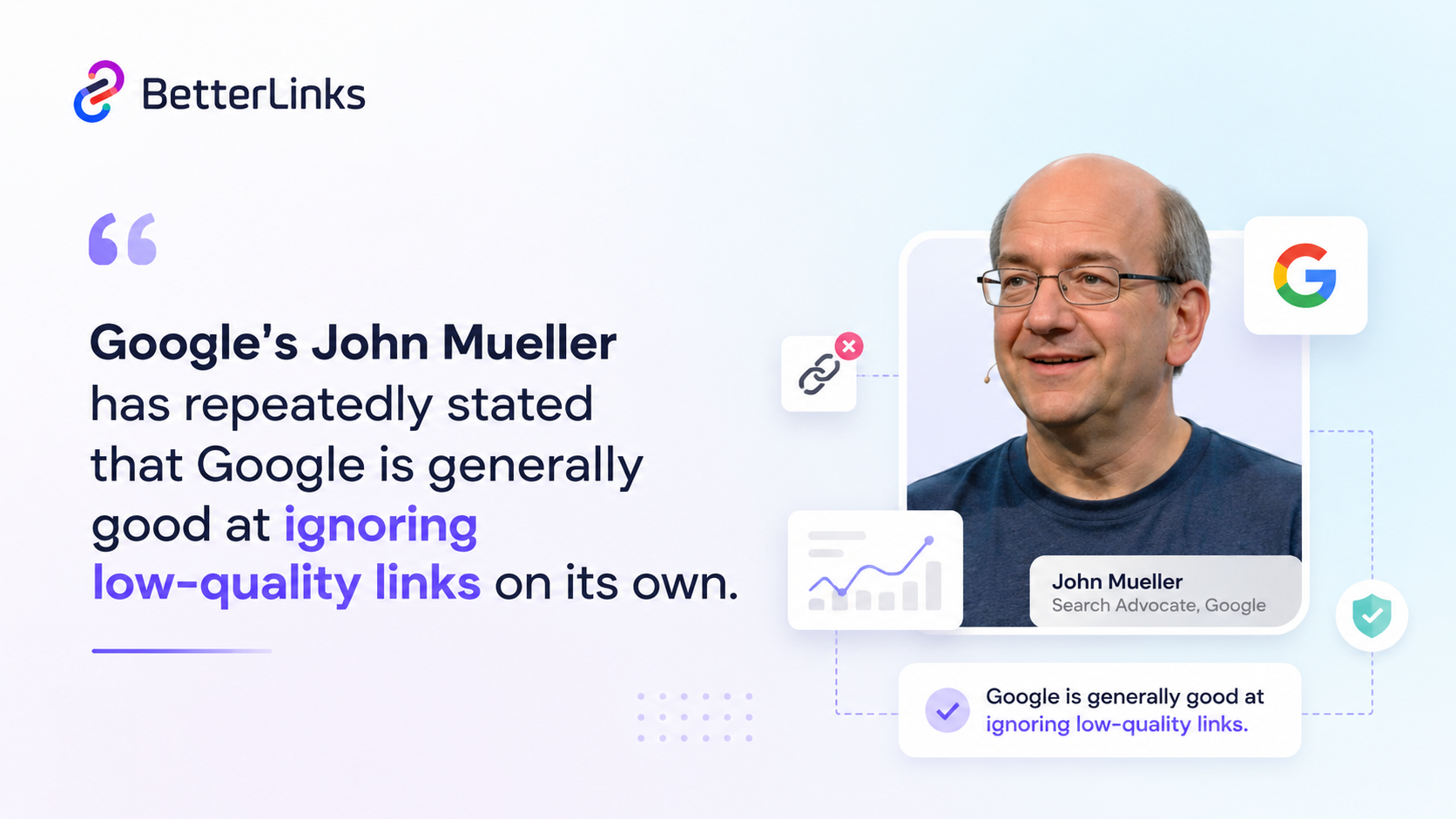
Do not disavow links by default. Google’s John Mueller has repeatedly stated that Google is generally good at ignoring low-quality links on its own. Over-disavowing can remove links that were actually passing value, and it signals to Google that you are concerned about your link profile in a way that may prompt closer scrutiny.
When to Use Disavow
Use the disavow tool when:
- You have received a manual action notification in Google Search Console for unnatural links
- You have clear evidence of a negative SEO attack where a competitor is pointing spam links at your site
- You have links from sites you paid for in the past that violate Google’s link spam policies
- You have tried outreach and cannot get high-risk links removed manually
How to Format Your Disavow File Correctly
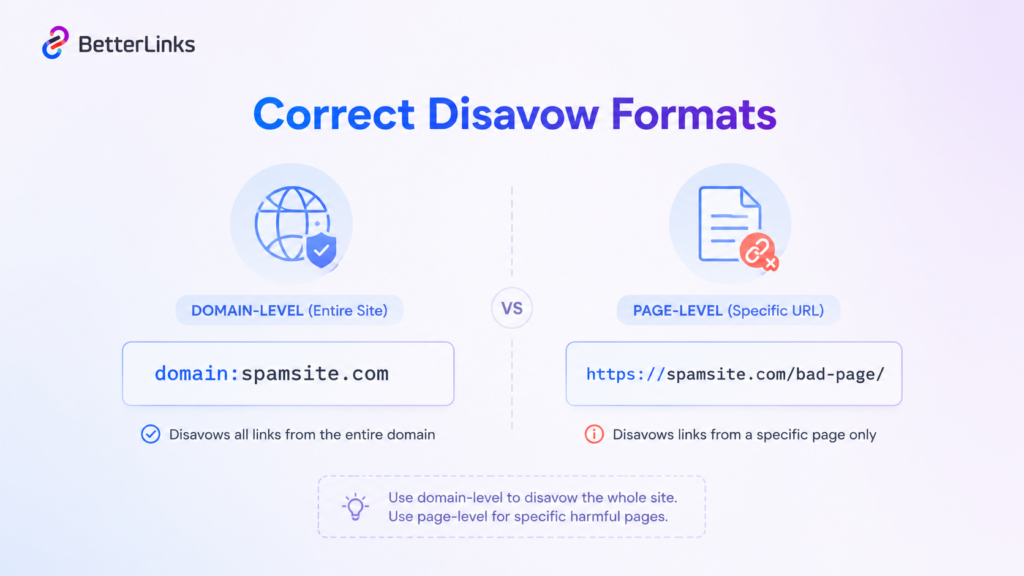
The disavow file is a plain text file with one entry per line. Disavow at the domain level when a site has multiple pages linking to you with toxic signals. Use the page-level format only when isolated pages on an otherwise clean domain are the issue.
Submit the file through Google Search Console under ‘Disavow Links’ and document the date of submission. It can take several weeks to see any impact on rankings.
Step 6: Analyze Competitor Backlink Profiles
A backlink audit is not complete if you only look inward. One of the most underutilized parts of the process is competitor link gap analysis, which reveals exactly where your competitors are getting strong links that you are not.
Use Ahrefs’ Link Intersect tool or Semrush’s Backlink Gap feature to compare your referring domain profile against two to four competitors. Any domain linking to multiple competitors but not to you is a qualified prospect for outreach.
How to Prioritize Competitor Link Opportunities
Not every competitor link is worth chasing. This competitive analysis step often surfaces guest posting opportunities, resource page targets and broken link building candidates that a purely inward-focused audit would miss entirely.
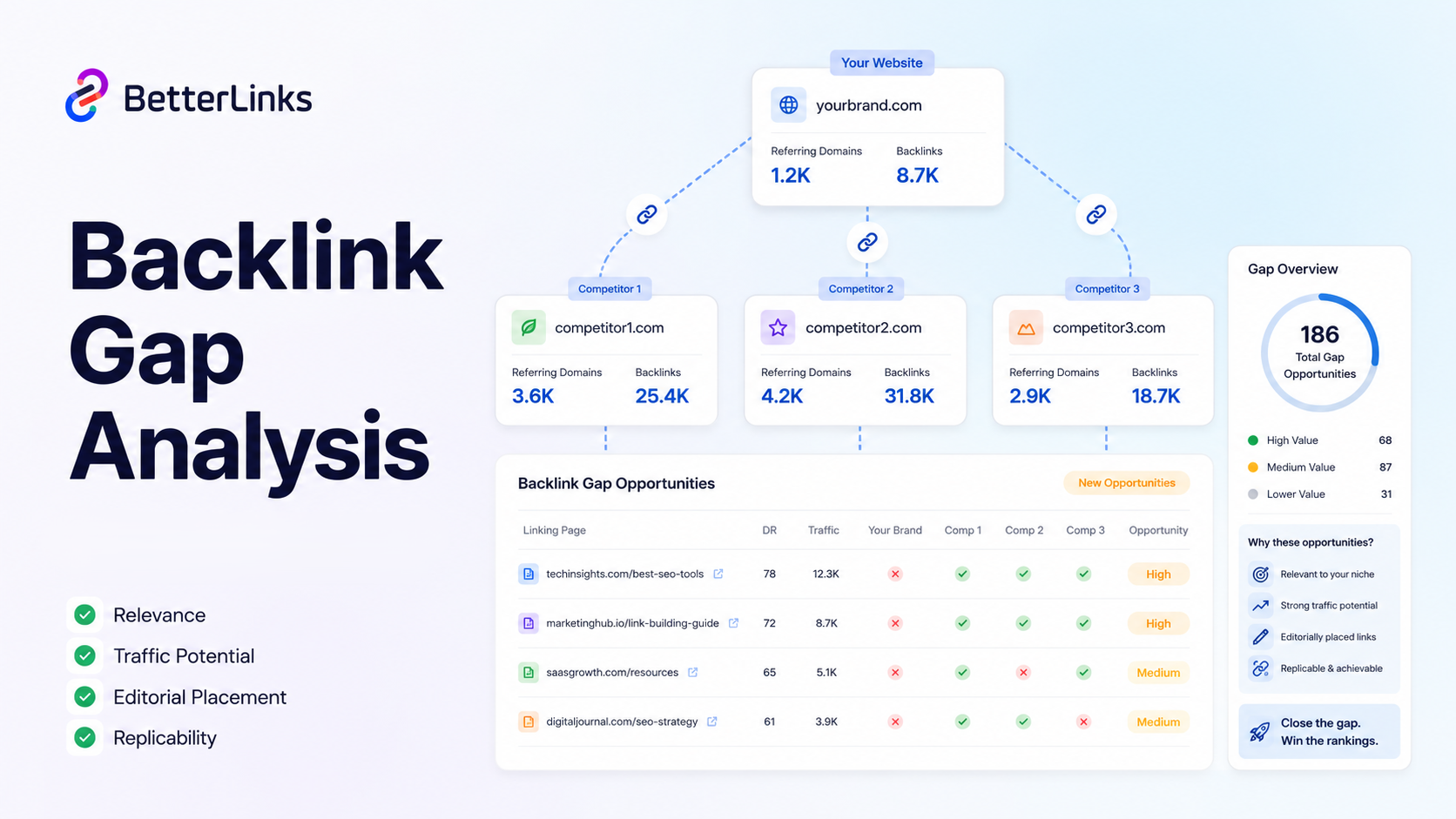
Filter the gap report by the following criteria before adding domains to your prospecting list:
- Relevance: Does the linking site cover topics your audience cares about?
- Traffic: Does the linking site have real organic traffic?
- Link placement: Is the competitor’s link editorial or is it in a paid directory?
- Replicability: Is there a natural angle for your site to earn a similar link?
Step 7: Audit Your Internal Link Structure
Most backlink audits focus entirely on external links while ignoring a signal you have complete control over: internal links. Internal linking distributes PageRank across your site, guides crawler behavior and reinforces topical authority. A weak internal link structure limits how much value your external backlinks can actually deliver.
An internal link audit should answer three questions. Which pages are getting the most internal link equity? Which high-value pages are orphaned or under-linked? Are your anchor texts descriptive and keyword-relevant without being over-optimized?
How BetterLinks Helps WordPress Users Manage Internal Links?
For WordPress site owners and affiliate marketers managing large content libraries, BetterLinks makes it much easier to handle link redirection, track click performance and maintain clean internal link architecture across hundreds of posts and pages.
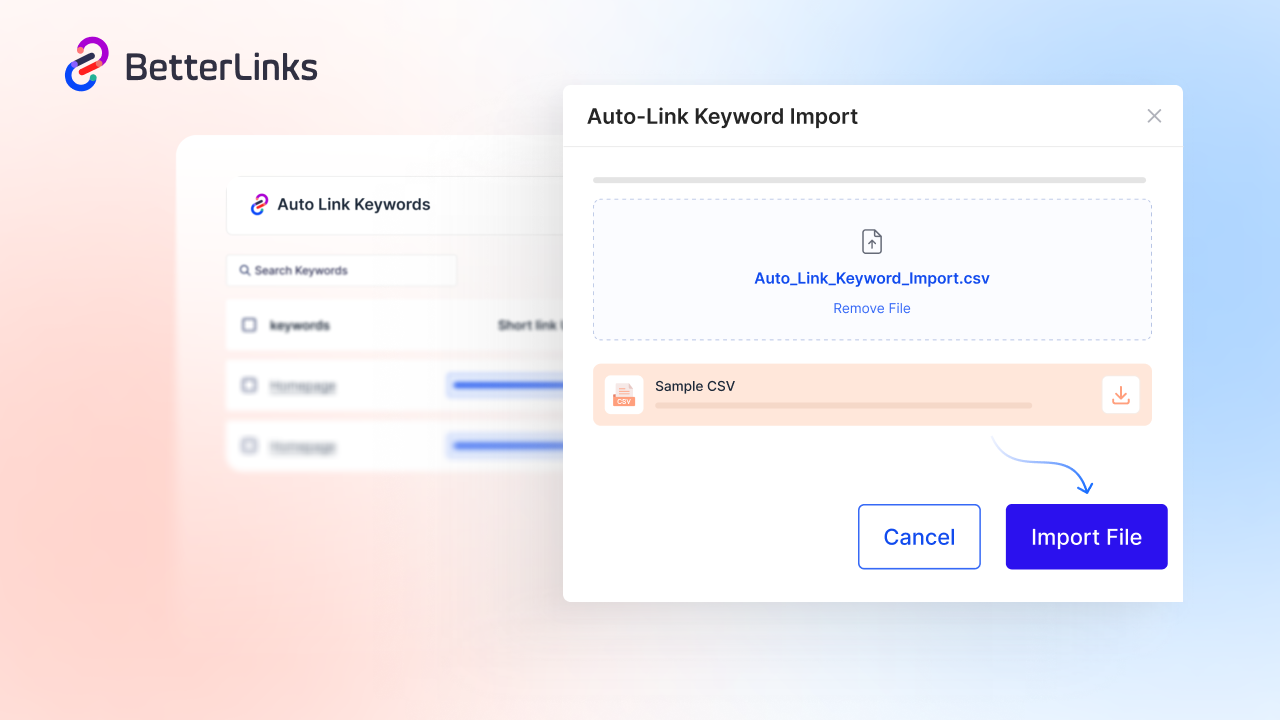
Rather than hunting through the WordPress editor to update outdated internal links manually, you can use Auto Link Keywords with import and export features in BetterLinks for advanced internal link management. This is especially valuable after a site migration or URL restructuring project, where broken internal links can silently kill your crawl efficiency.
Step 8: Schedule Recurring Audits & Set Monitoring Alerts
A backlink audit is not a one-time project. Your link profile changes constantly. New links are discovered, old ones drop and competitors can point spam links at your site at any time. Building a recurring audit cadence into your SEO workflow is what separates proactive teams from reactive ones.
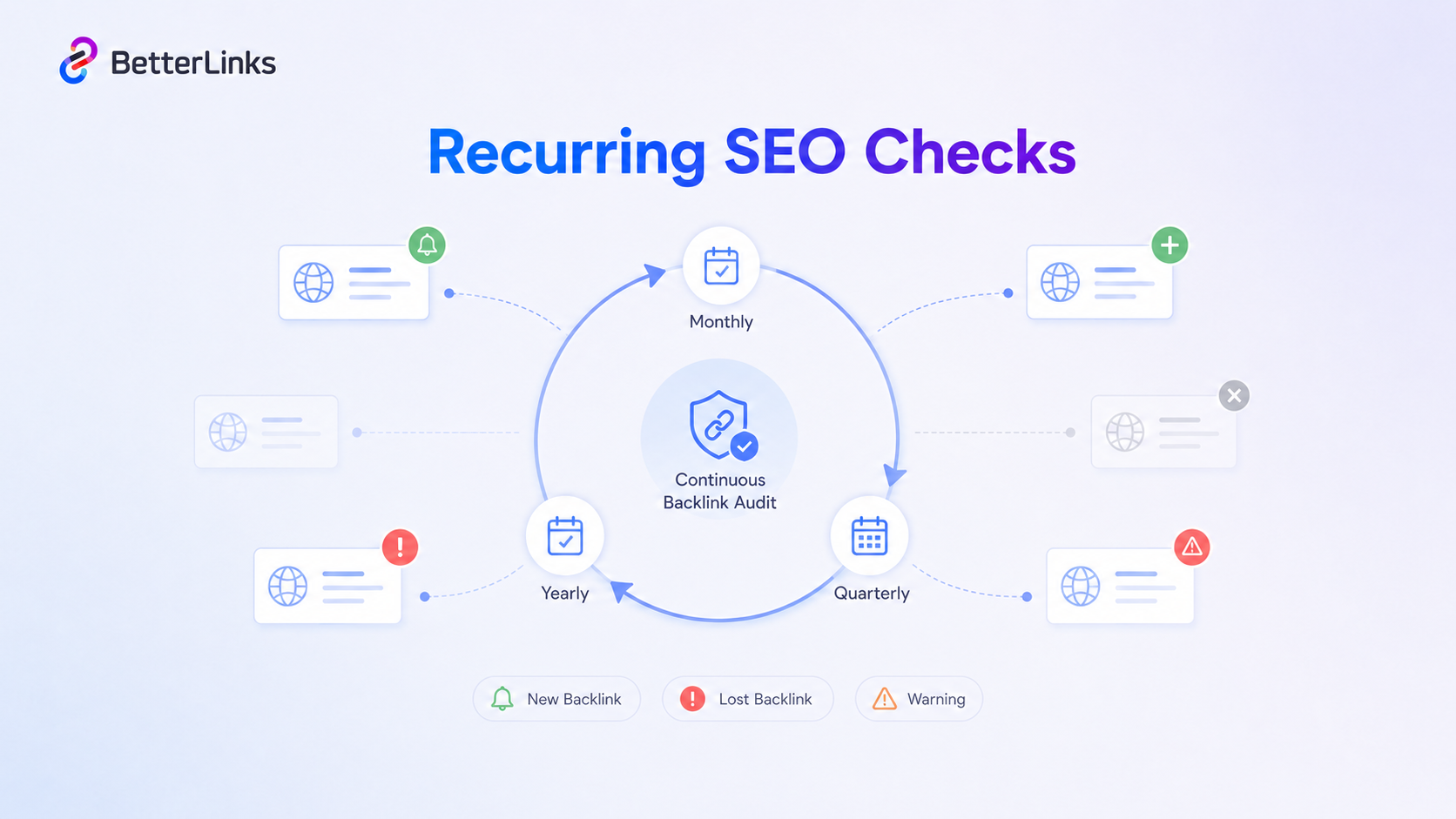
Set up automated alerts in Ahrefs or Semrush to notify you when your site earns a significant new backlink or loses a major referring domain. These alerts surface both opportunities and threats early enough to act on them.
Recommended Audit Frequency:
- Monthly: Quick check of new referring domains flagged by your SEO tool
- Quarterly: Full backlink export review with toxicity scoring
- Annually: Deep competitive gap analysis and disavow file review
Backlink Audit Checklist
A backlink audit helps you quickly spot toxic links, measure link quality and fix issues that can impact rankings.
This quick reference checklist gives you a clear, structured way to review your backlink profile and keep it clean, relevant and search-friendly.
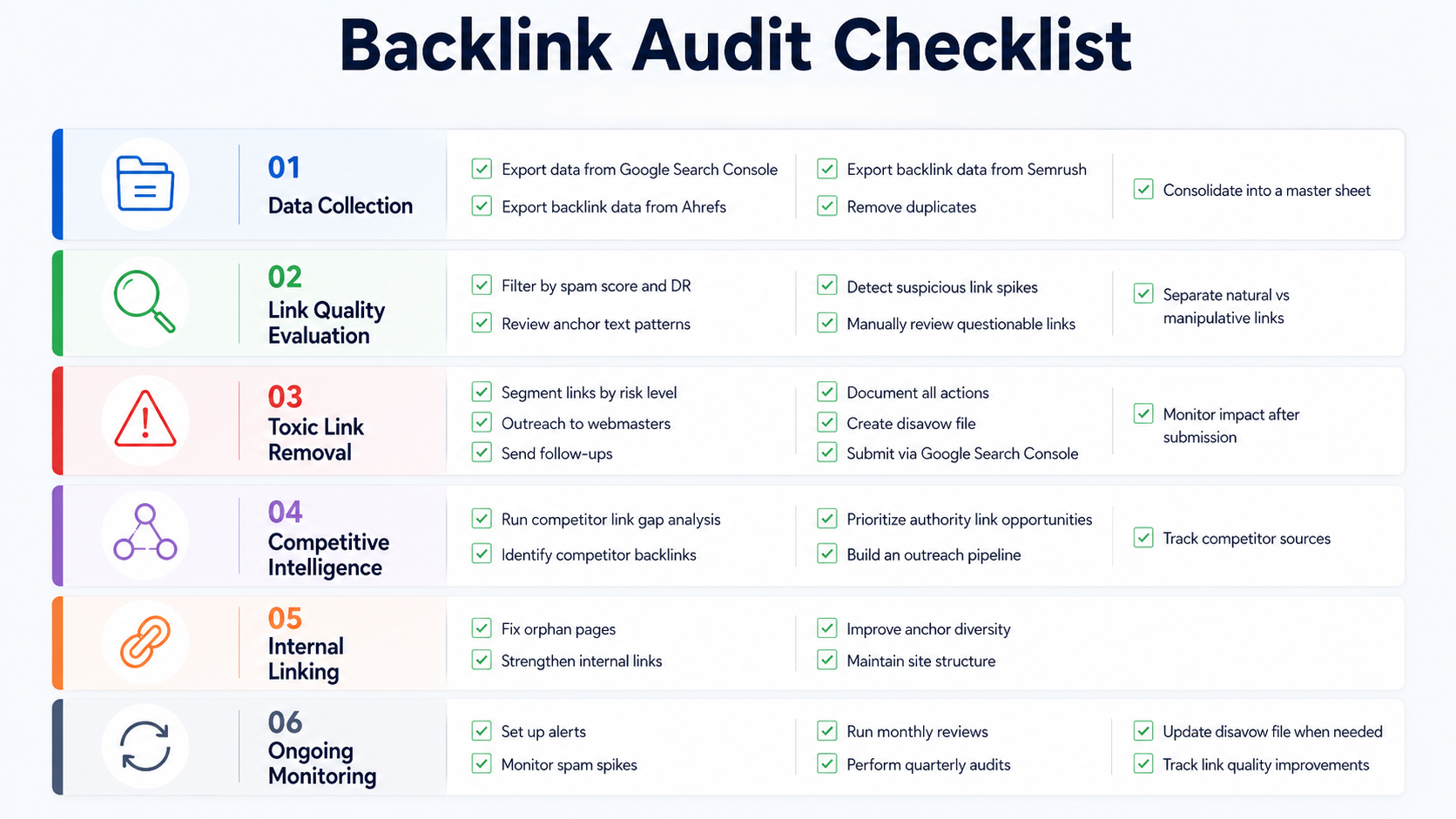
Use this checklist as a repeatable framework every time you run a backlink audit:
Data Collection
✅ Export backlink data from Google Search Console
✅ Export backlink data from Ahrefs or Semrush
✅ Cross-reference both datasets to eliminate duplicates
✅ Consolidate referring domains into a single master sheet
Link Quality Evaluation
✅ Filter referring domains by spam score and domain rating (DR)
✅ Review anchor text distribution for over-optimization patterns
✅ Identify sudden spikes in referring domains or links
✅ Manually review flagged domains for relevance and context
✅ Separate natural links from manipulative or irrelevant sources
Toxic Link Removal
✅ Segment links into high, medium, and low risk tiers
✅ Prioritize removal for high-risk toxic domains first
✅ Send outreach emails to webmasters of harmful domains
✅ Follow up after 14 days if no response
✅ Document all outreach attempts for tracking
✅ Compile disavow file for unresolved high-risk links
✅ Submit disavow file in Google Search Console
✅ Monitor impact after disavow submission
Competitive Intelligence
✅ Run link gap analysis against 3 to 4 competitors
✅ Identify domains linking to competitors but not your site
✅ Prioritize high-authority and relevant link opportunities
✅ Add qualified prospects to your outreach pipeline
✅ Track recurring backlink sources used by competitors
Internal Linking
✅ Identify high-value pages with weak internal link support
✅ Fix orphaned pages by adding contextual internal links
✅ Strengthen links to priority landing pages
✅ Audit anchor text diversity across top pages
✅ Ensure internal links follow a logical site structure
Ongoing Monitoring
✅ Set up new backlink alerts in your SEO tool
✅ Monitor sudden spikes in low-quality backlinks
✅ Review link profile monthly for anomalies
✅ Schedule next quarterly backlink audit
✅ Update the disavow file if new spam clusters appear
✅ Track long-term improvements in link quality metrics
📌 Stay Updated
Enjoyed this checklist? Subscribe to our blog to get more practical tips, tricks and insights covering link management, SEO, AEO and audit strategies.
🛠 Need Help?
If you face any issues with WordPress link management, our support team is always ready to assist you and help you get things sorted quickly.
How Google Updates Changed Backlink Evaluation
Google has become far more precise in how it evaluates backlinks over the last few years. With systems like SpamBrain, link analysis now goes beyond single backlinks and looks at the bigger picture. It reviews patterns across entire link networks, anchor text behavior and even how sites interact with each other.
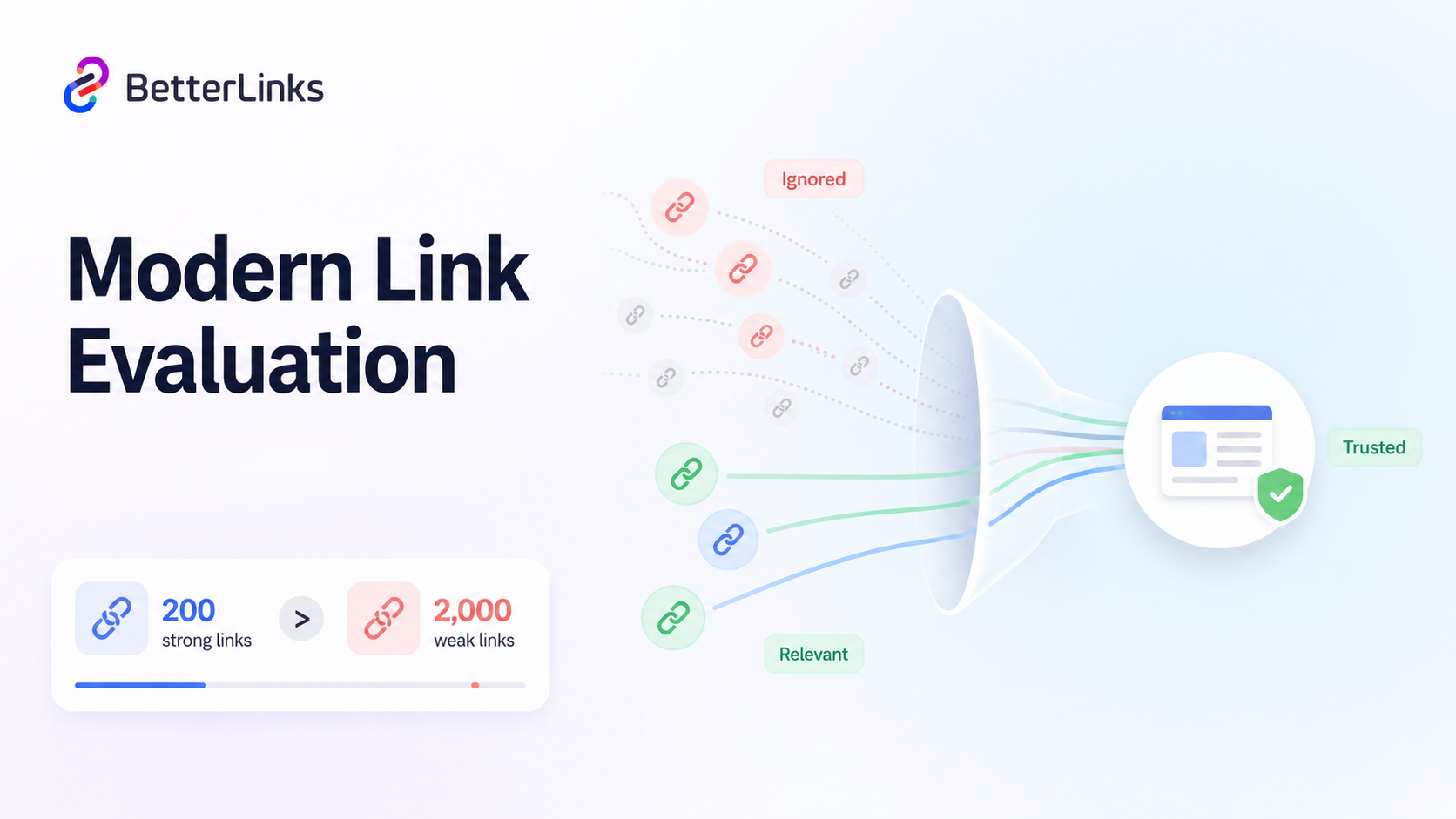
In practical terms, this change has made outdated link tactics much riskier. Approaches like large-scale guest posting on unrelated sites, private blog networks and bulk link insertions on low-quality content sites are far more likely to get ignored or devalued in 2026 compared to just a few years ago.
The biggest shift is simple: quality now outweighs quantity by a wide margin. A website with 200 strong, relevant, high-authority referring domains can easily outperform another with 2,000 weak and unrelated links. That is why modern backlink audits must focus less on raw link counts and more on link relevance, authority and trust signals.
Run a Backlink Audit Before Rankings Start Falling
The most costly mistake you can make with your backlink profile is waiting for a ranking drop to act. A clean proactive backlink audit in 2026 protects your existing rankings, identifies link-building opportunities and gives you a clearer picture of what is actually driving your SEO performance.
If you manage a WordPress site or a content-heavy affiliate operation, tools like BetterLinks can dramatically reduce the manual overhead of tracking and managing your link ecosystem. Start your audit this week and put a recurring schedule in your calendar. Your future rankings will reflect the work you do today.
Is this blog helpful? Join our Facebook community to stay updated with the latest blogs, product reviews and WordPress solutions. Subscribe to our blog for in-depth tutorials, tips and visit our social media platforms for the newest updates.