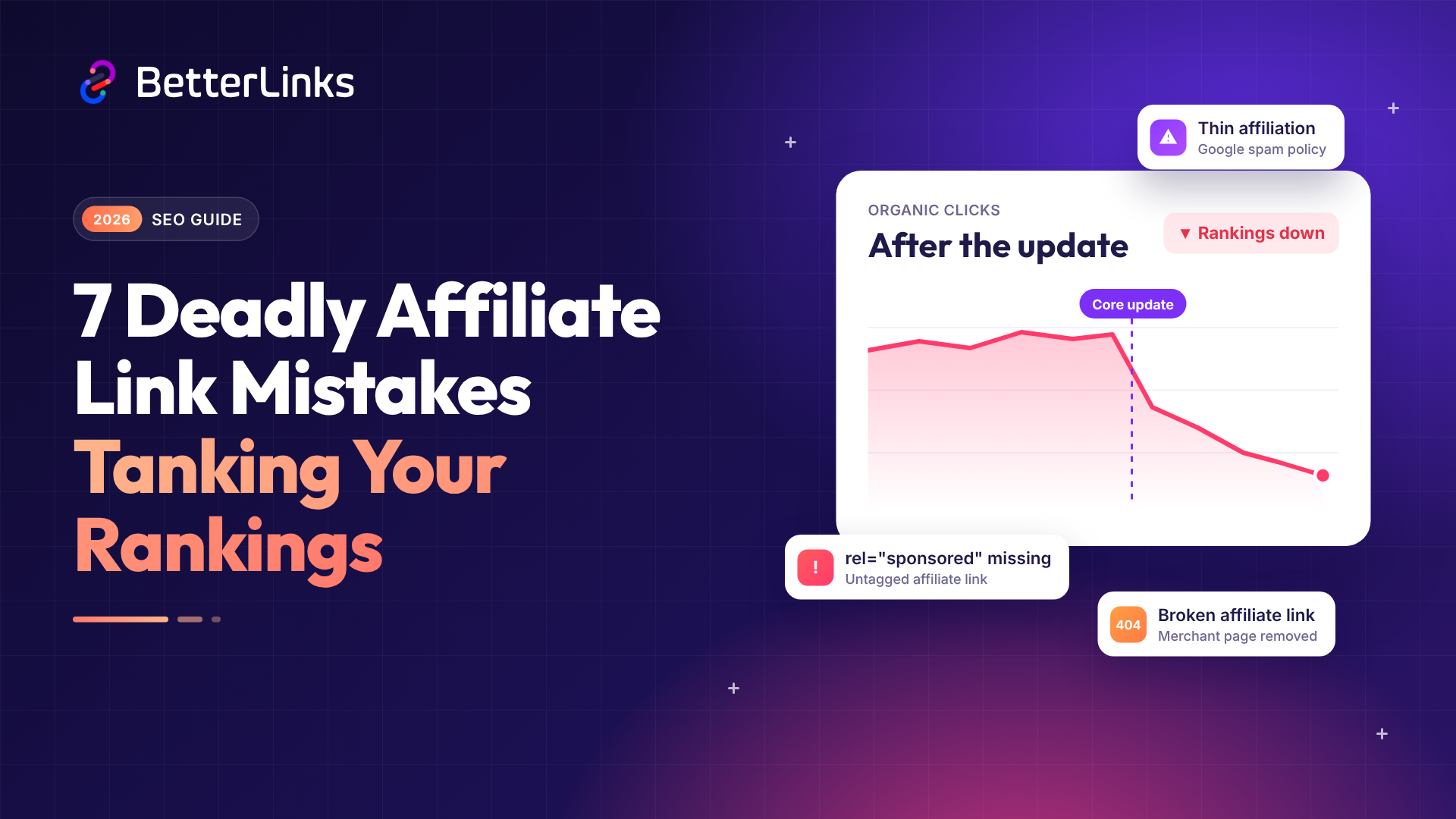
Your traffic dropped, your clicks fell and your commissions shrank. And you didn’t change a thing on your site.
Sound familiar? You’re not alone. 2026 has been a rough year for affiliate marketers. Google has rolled out three broad core updates and four spam updates this year, and the third, the November 2026 core update, started rolling out on November 10. Affiliate sites took the hardest hit of all.
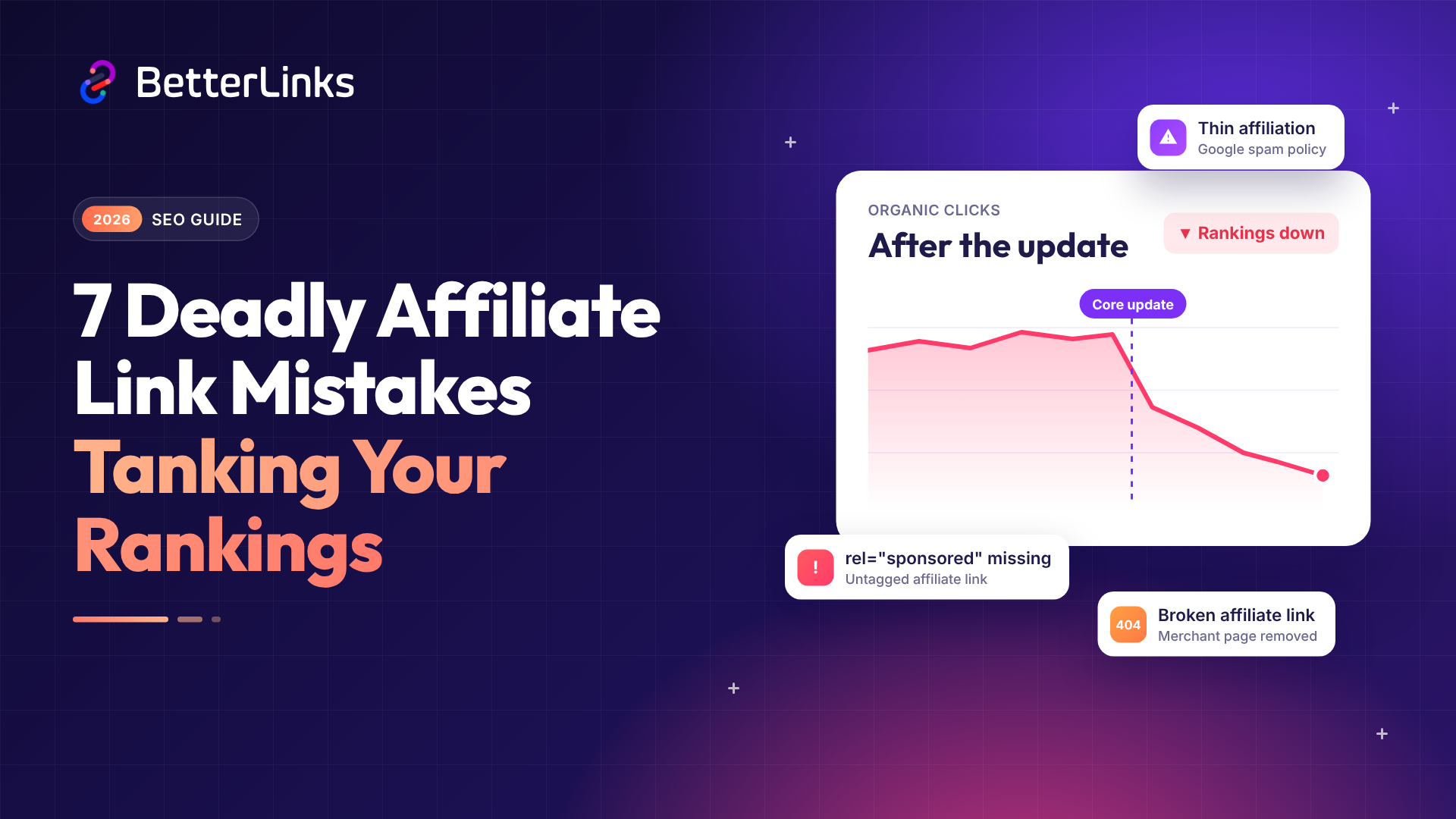
Here’s the hard truth. In many cases, the problem isn’t your niche or your theme. It’s the way you handle your affiliate links.
In this guide, we’ll walk you through the 7 affiliate link mistakes that can tank your Google rankings after an update. You’ll also learn how to fix each one fast, so your site follows affiliate link best practices before the next update. Let’s dive in.
What Changed in The 2026 Google Updates for Affiliate Sites?
Google didn’t ban affiliate marketing, and it never will. But it did raise the bar. Every Google core update this year has asked one simple question: does this page help the reader?
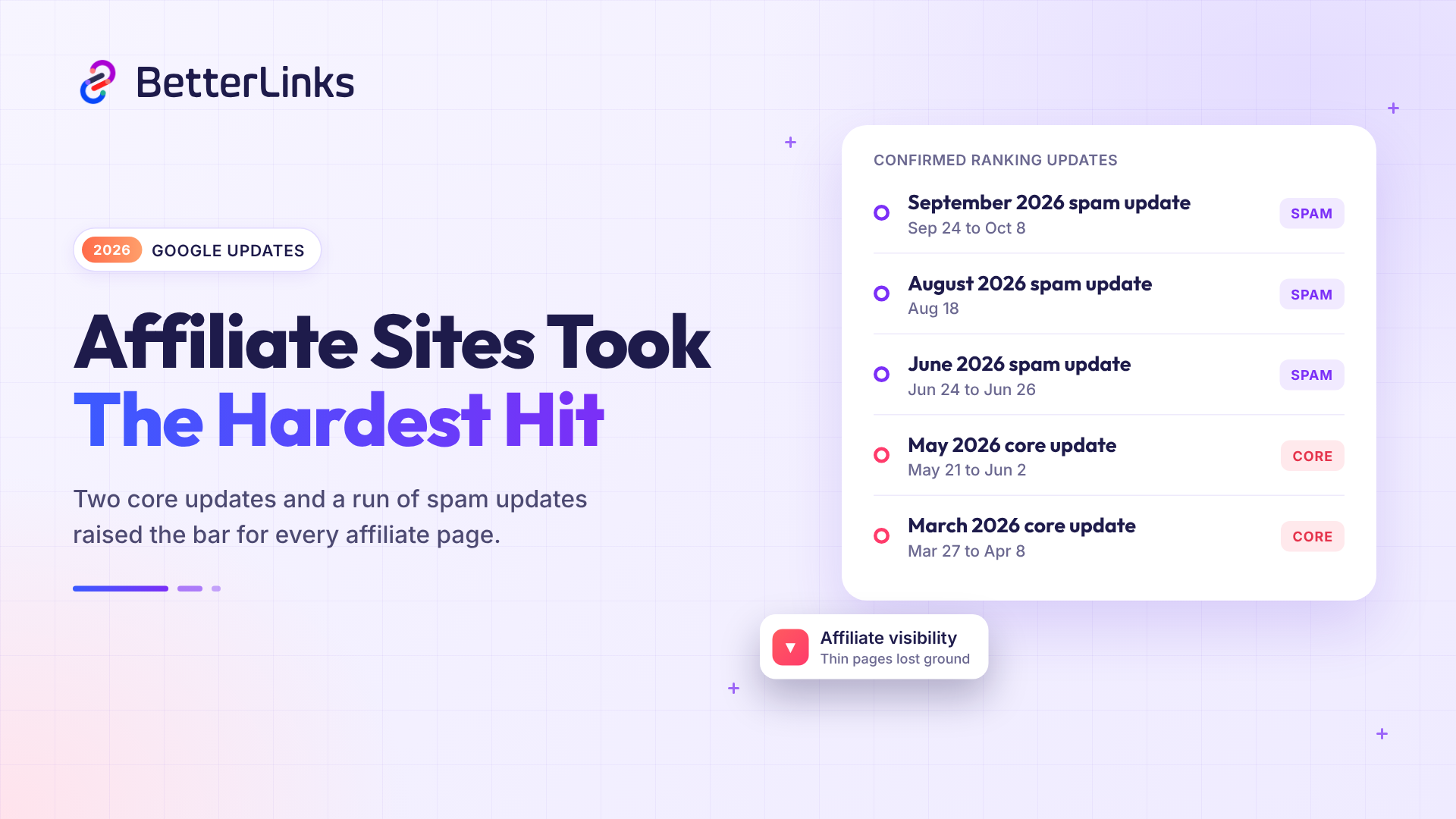
Here’s a quick look at the major updates so far, newest first.
| Update | Rollout Window | What It Targeted |
| November 2026 core update | Started Nov 10, rolling out (up to about 2 weeks) | Broad core ranking changes |
| September 2026 spam update | Sep 24 to Oct 8 | Spam policy violations, the longest spam rollout of the year |
| August 2026 spam update | Aug 18, a few days | Scaled content abuse, thin affiliation, cloaking |
| June 2026 spam update | Jun 24 to Jun 26 | Content level spam, not link spam |
| May 2026 core update | May 21 to Jun 2 | Content quality, trust and topical depth |
| March 2026 core update | Mar 27 to Apr 8 | Thin, templated and unhelpful content |
| March 2026 spam update | Completed Mar 25 | Manipulative link schemes and scaled content |
The March core update hit affiliate sites the hardest. Digital Applied’s analysis found that 71% of the affiliate sites it tracked were hit. Finance comparison pages and coupon sites saw some of the steepest drops.
The May update didn’t reverse the trend. It pushed further in the same direction. Then a Google spam update landed in June, August and September. Each one cleaned out more low-value pages.
So what separated the winners from the losers? The winners showed real experience, honest disclosures and clean links, while the losers relied on shortcuts. Many of those shortcuts live inside affiliate links, and we’ll look at them one by one below.
Two other 2026 shifts raise the bar even higher. First, AI Overviews and AI Mode now answer many “best X” and comparison searches right on the results page. Fewer people click through to generic roundups, so the pages that still earn clicks offer what a summary can’t: first-hand testing, original photos and a clear verdict.
Second, Google keeps enforcing its site reputation abuse policy. Affiliate or coupon sections hosted on big publisher domains with little oversight can get a manual action under the Google spam policies. Renting another site’s authority isn’t a safe shortcut for affiliate content.
You can always confirm new rollouts on the official Google Search Status Dashboard. We’ll update this post once the November 2026 core update finishes rolling out.
7 Affiliate Link Mistakes That Tank Your Google Rankings
Each of these affiliate link mistakes sends a bad signal to Google. Some hurt trust, some break your user experience and a few can even trigger a manual action. Together they’re the most common affiliate SEO mistakes we see, so here’s what to watch for.
Mistake #1: Not Qualifying Your Affiliate Links (rel=”sponsored” vs nofollow)
This is the most common mistake, and it’s also the easiest to fix.
An affiliate link is a paid link, since you earn money when someone clicks and buys. Google wants you to say so in your code. Google has asked affiliate sites to qualify these links with rel=”sponsored”. It also warned that it may issue manual actions to sites that don’t.
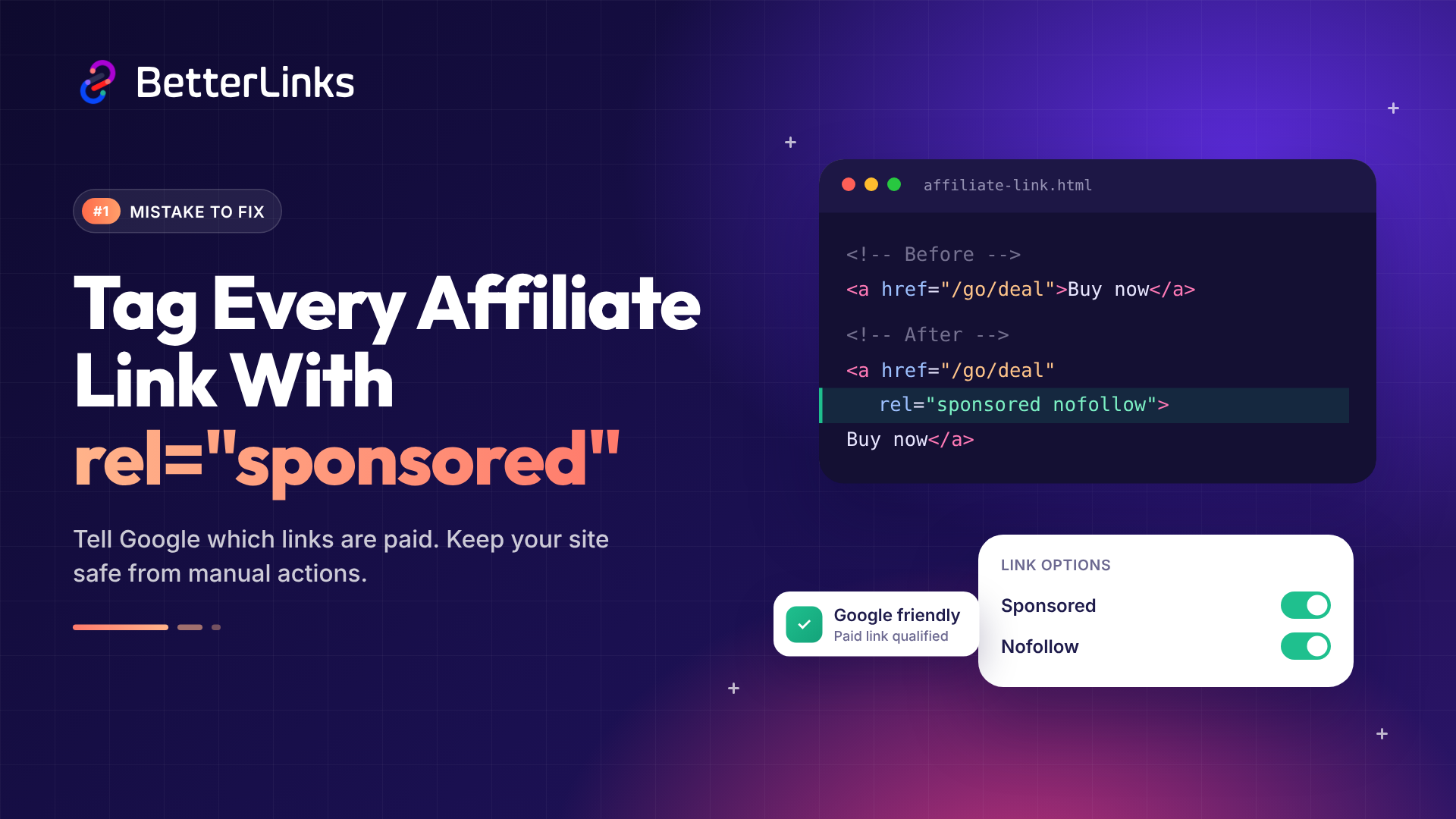
The official guide on how to qualify outbound links is clear. Use rel sponsored for paid placements. The nofollow value still works, but sponsored is preferred.
How to fix it:
- Add rel=”sponsored” to every affiliate link on your site.
- You can add rel=”nofollow” as well (rel=”sponsored nofollow”) if you like.
- Don’t tag your internal links, only outbound paid links.
- Use a plugin to apply the tag site-wide, since manual tagging is easy to forget.
With BetterLinks, you can set nofollow and sponsored attributes for each link in one click or set them as global defaults, so every new link gets the right tag from day one.
Mistake #2: Publishing Thin Affiliate Content
Google has a name for this: thin affiliation, and it’s listed in the official Google spam policies.
Thin pages are easy to spot. They copy product descriptions and merchant specs, then drop a buy button. There’s no testing, no opinion and no real value.
This was one of the biggest reasons affiliate sites lost traffic in 2026. Digital Applied’s analysis of the March update found that thin, affiliate and templated content was hit hardest. Product roundups without hands-on testing fell hard, while sites with original photos and real test data gained ground.
Mass-produced AI content makes this worse. AI-written roundups with no testing behind them are what Google calls scaled content abuse, and several 2026 spam updates targeted it. Google’s guidance also says AI-generated content should be fact-checked and reviewed before you publish it.
How to fix it:
- Test the product yourself whenever you can.
- Add your own photos, screenshots and results.
- Share real pros and cons, and don’t hide the flaws.
- Add an author bio that shows real expertise.
- Merge or remove weak pages that add no value.
- Promote only products that match your topic and audience. A tech blog pushing diet pills looks odd to readers and to Google.
- Don’t publish AI-written roundups at scale. If you use AI for drafts, add your own testing and fact-check every claim.
Read Google’s guide to creating helpful, reliable, people-first content for a full self-check. Google updated this page on October 1, 2026, adding a definition of main content and a warning against fake author profiles, so it’s worth a fresh read.
Mistake #3: Stuffing Too Many Affiliate Links on One Page
More links don’t mean more money. They often mean less.
A page packed with affiliate links looks like an ad. Readers feel pushed and bounce back to the search results. That hurts engagement and conversions, and it tells Google the page was built to sell, not to help.
This gets worse with automation. Some marketers turn every keyword into a link, so the same link shows up 20 times in one post.
So how many affiliate links per post is too many? A good rule of thumb is one affiliate link per product in the body, plus one in a comparison table or CTA box. If readers see the same link every few lines, you’ve gone too far.
How to fix it:
- Place links where they help the reader decide.
- Use one link per product in the body, plus one in a comparison table or CTA box.
- Keep a healthy balance of helpful text and links.
- Set limits when you auto link keywords.
BetterLinks PRO has an Auto-Link Keywords feature with a built-in limit. You can tell it to link only the first one or two matches in a post, so you save time without overdoing it. Learn more in our guide on how to optimize affiliate links with keywords.
Mistake #4: Ignoring Broken Affiliate Links
Affiliate programs change all the time. Merchants close, products sell out and programs move to new networks. Each change can leave you with broken affiliate links.
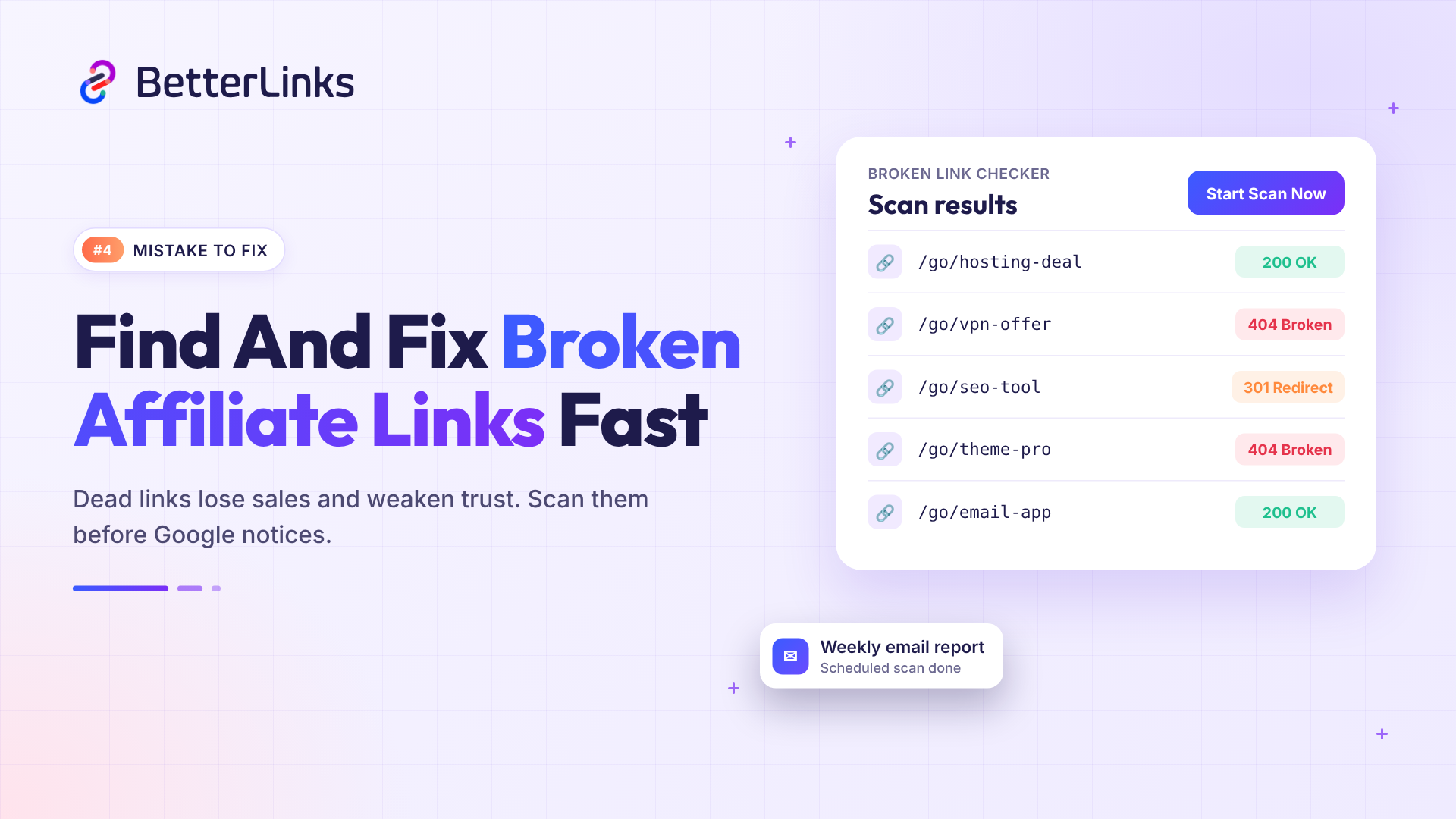
A dead link is bad for everyone. Your reader lands on a 404 page and you lose the sale. And to Google, a page full of dead links looks neglected. Over time, this link rot slowly weakens your trust signals.
How to fix it:
- Scan your site for broken links every week.
- Replace dead links with a working offer or a close alternative.
- Remove links to products that no longer exist.
- Get alerts so you catch problems early.
The BetterLinks Broken Link Checker scans all your links in one click. You can schedule scans and get reports by email. Because every link is managed from one place, you update the target URL once. The fix then applies everywhere.
Mistake #5: Using Sneaky Redirects Or Messy Link Cloaking
Most affiliate marketers use link cloaking to turn a long, ugly tracking URL into a clean branded link. That’s fine, because Google doesn’t punish clean redirects.
The problem starts when redirects try to trick people. Google lists sneaky redirects as a spam practice. This happens when search engines see one page and users land on something very different. Some old cloaking scripts do exactly that.
Long redirect chains cause trouble too. One link hops to a tracker, then to a network, then to a merchant. Each hop adds delay, and some hops break or strip your tracking data.
How to fix it:
- Send users and search engines to the same destination.
- Use a 307 or 302 temporary redirect for affiliate links.
- Save 301 redirects for permanent moves, like a page that has changed its URL for good.
- Keep each redirect to as few hops as possible.
- Avoid JavaScript tricks that hide the real destination.
- Put cloaked links under a clear prefix like /go/ or /recommends/ and keep them sponsored or nofollow.
BetterLinks lets you pick the redirect type for each link. Use 307 or 302 for affiliate offers that may change, and save 301 for permanent moves. You can also set a custom link prefix, like /go/ or /recommends/, so every cloaked link is easy to spot. Your branded links stay clean, fast and honest. See how in our guide to shorten any affiliate link in WordPress.
Mistake #6: Skipping the Affiliate Link Disclosure
Trust is a big part of how Google judges quality. Hidden affiliate links break that trust.
If you earn money from a link, tell your readers. Do it clearly and early. It’s good for SEO, and in many places it’s also the law. The FTC explains this in its Endorsement Guides FAQ.
A clear affiliate link disclosure also helps your E-E-A-T signals, because it shows you’re open about how your site makes money.
How to fix it:
- Add a short disclosure near the top of each post.
- Place it before the first affiliate link.
- Use plain words. A simple affiliate disclosure example: “We may earn a commission from links on this page.”
- Keep a full disclosure page and link to it from your footer.
BetterLinks PRO can add an affiliate disclosure for you. You can turn it on site-wide under BetterLinks > Settings > Options, pick one of three positions and write your own message. You can also change the text and position for any single page from the Gutenberg page settings. That way, no post goes live without it. Our guide shows how to configure affiliate link disclosure step by step.
Mistake #7: Never Tracking Affiliate Link Performance
Many marketers never check which affiliate links get clicks, so weak and outdated links stay live for years. They add clutter, earn nothing and hide the offers that work.
Without affiliate link tracking, you’re guessing. You can’t tell which posts drive sales, which offers readers ignore or which pages need work after a Google update.
How to fix it:
- Track clicks on every affiliate link from the day you publish it.
- Check click data for every affiliate link each month.
- Remove or replace links that get no clicks.
- Double down on the offers your readers click and buy.
BetterLinks gives you built-in link analytics. You can see total and unique clicks, referrers, countries, browsers and devices, with bot traffic filtered out. So you know which links help your readers and which ones you should drop.
How to Recover from A Google Core Update: Affiliate Link Audit Checklist
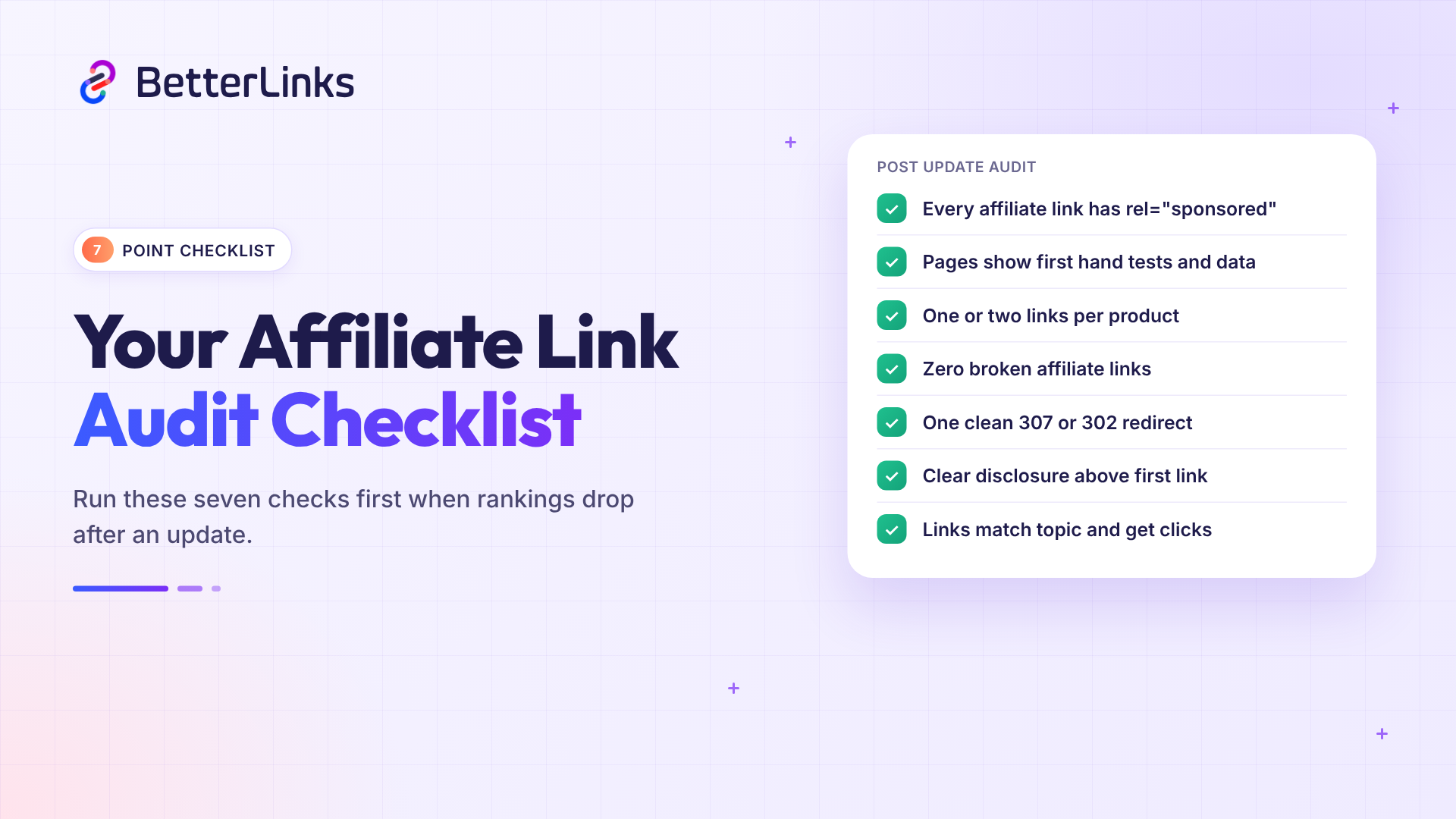
Lost rankings after an update? Don’t panic, and don’t rewrite your whole site overnight. Run this simple affiliate link audit first.
| Check | What Good Looks Like | Mistake It Fixes |
| Link attributes | Every affiliate link has rel=”sponsored” | #1 |
| Content value | Each page has first-hand tests, photos or data, and only relevant offers | #2 |
| Link density | One or two links per product, placed with care | #3 |
| Link health | Zero broken affiliate links in the last scan | #4 |
| Redirects | One clean hop with a 307 or 302 redirect | #5 |
| Disclosure | A clear notice above the first affiliate link | #6 |
| Link tracking | Every affiliate link is tracked and reviewed monthly | #7 |
Start with the pages that lost the most traffic. You can find them in Google Search Console. Here’s how to check, step by step:
- Open Security & Manual Actions > Manual actions and make sure your site has no manual action.
- Go to Performance > Search results, click Date > Compare and compare the weeks before and after the update. For the November 2026 core update, wait until the rollout finishes first.
- Open the Pages tab and sort by the clicks difference to find your biggest losers.
- Click a page to filter by it, then check which queries dropped.
- Run the audit above on those pages first, then move down the list.
Also, be patient. Recovery from a Google core update often shows up only after the next core update rolls out.
How BetterLinks Helps You Avoid These Affiliate Link Mistakes
Fixing these issues by hand takes hours, and it’s easy to miss a link or two. That’s why smart marketers use a proper affiliate link management tool.
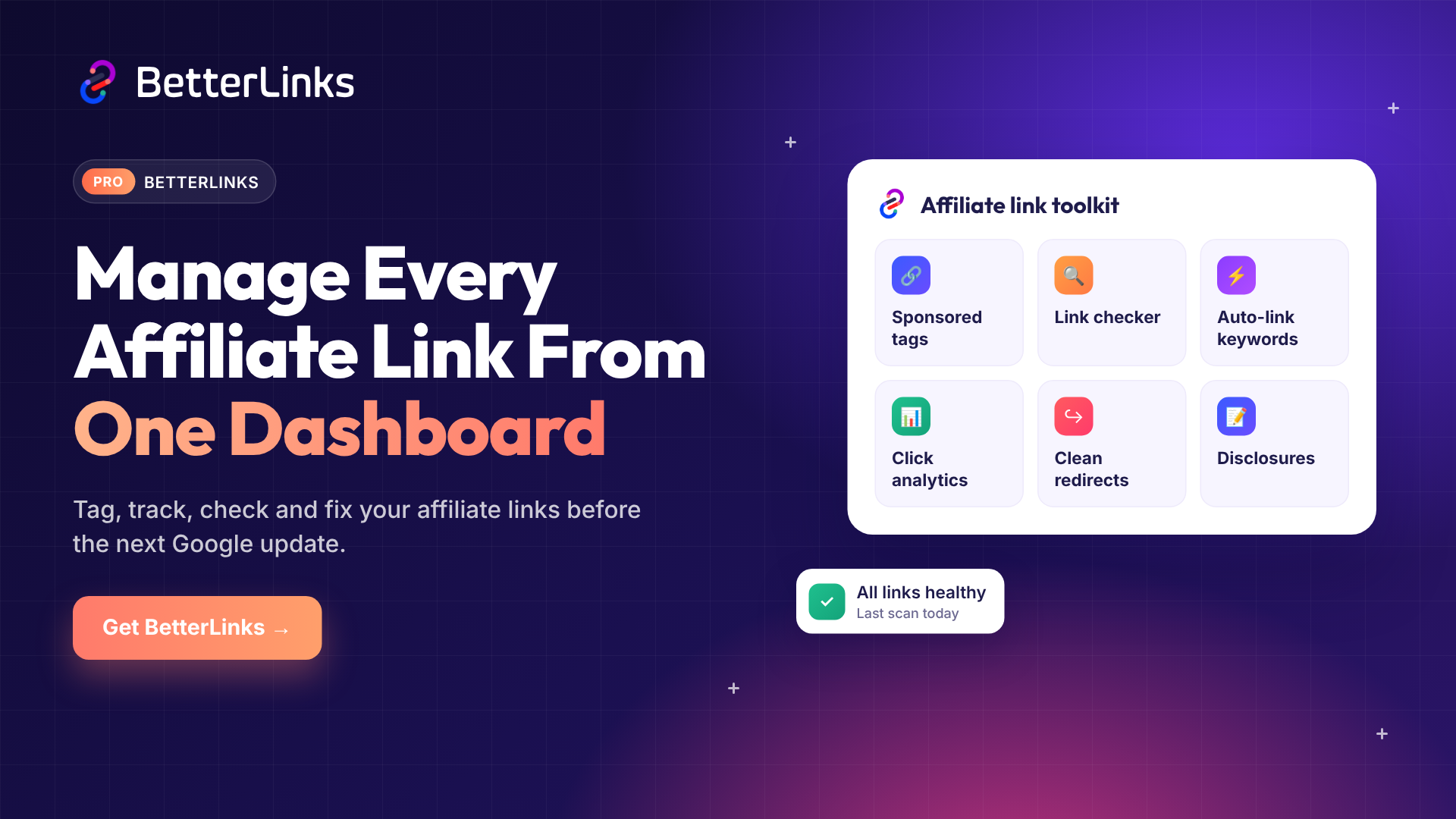
BetterLinks is a WordPress affiliate link plugin built for this job. Here’s how it maps to each mistake.
| Mistake | BetterLinks Feature |
| Missing rel=”sponsored” | One-click nofollow and sponsored attributes |
| Thin content | Link analytics to spot low-performing pages worth improving or merging |
| Too many links | Auto-Link Keywords with match limits |
| Broken links | Broken Link Checker with scheduled scans and email reports |
| Messy redirects | 301, 302 and 307 redirects with clean branded short links |
| No disclosure | Site-wide affiliate link disclosure with per-page overrides |
| No link tracking | Click tracking by referrer, country and device |
You can manage all your links from one dashboard. Change a target URL once and it updates across every post. That alone saves hours after a merchant switches networks.
Want all these tools? Check the BetterLinks pricing plans and pick the one that fits your site. New to the plugin? The BetterLinks documentation walks you through every setting.
Fix Your Affiliate Links Before Google’s Next Core Update
Google will keep raising the bar. Google’s November core update is rolling out right now, and more will follow. The good news is that every mistake on this list is fixable.
Tag your links, add real value to your content and keep your links clean, working and tracked. Be honest with your readers. Do these things well and your affiliate marketing SEO will be ready for whatever comes next.
Want an easier way to do it all? Try BetterLinks and manage every affiliate link from one simple dashboard.
Found this guide helpful? Subscribe to our blog for more tips, tutorials and guides on smart link management.